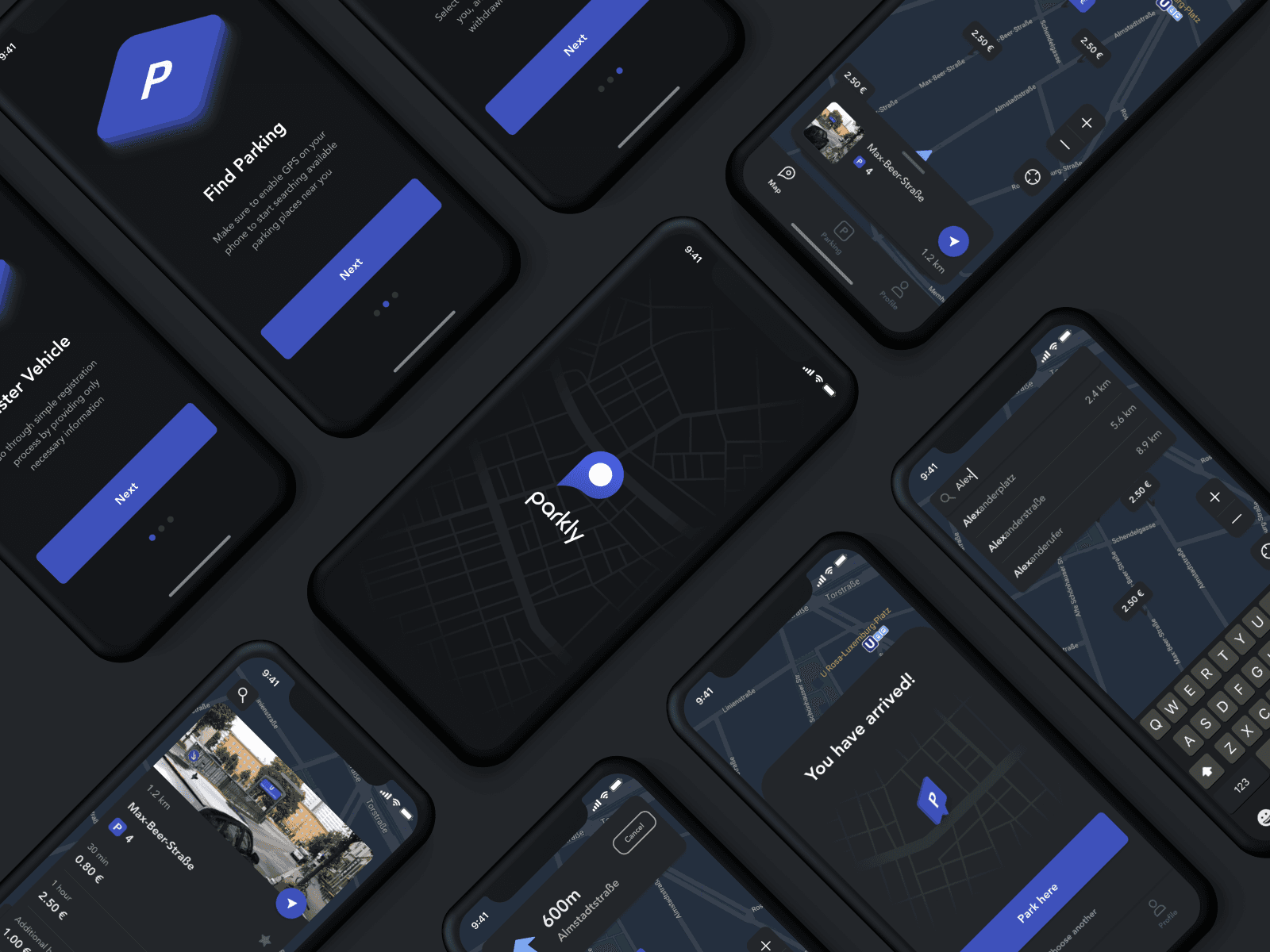
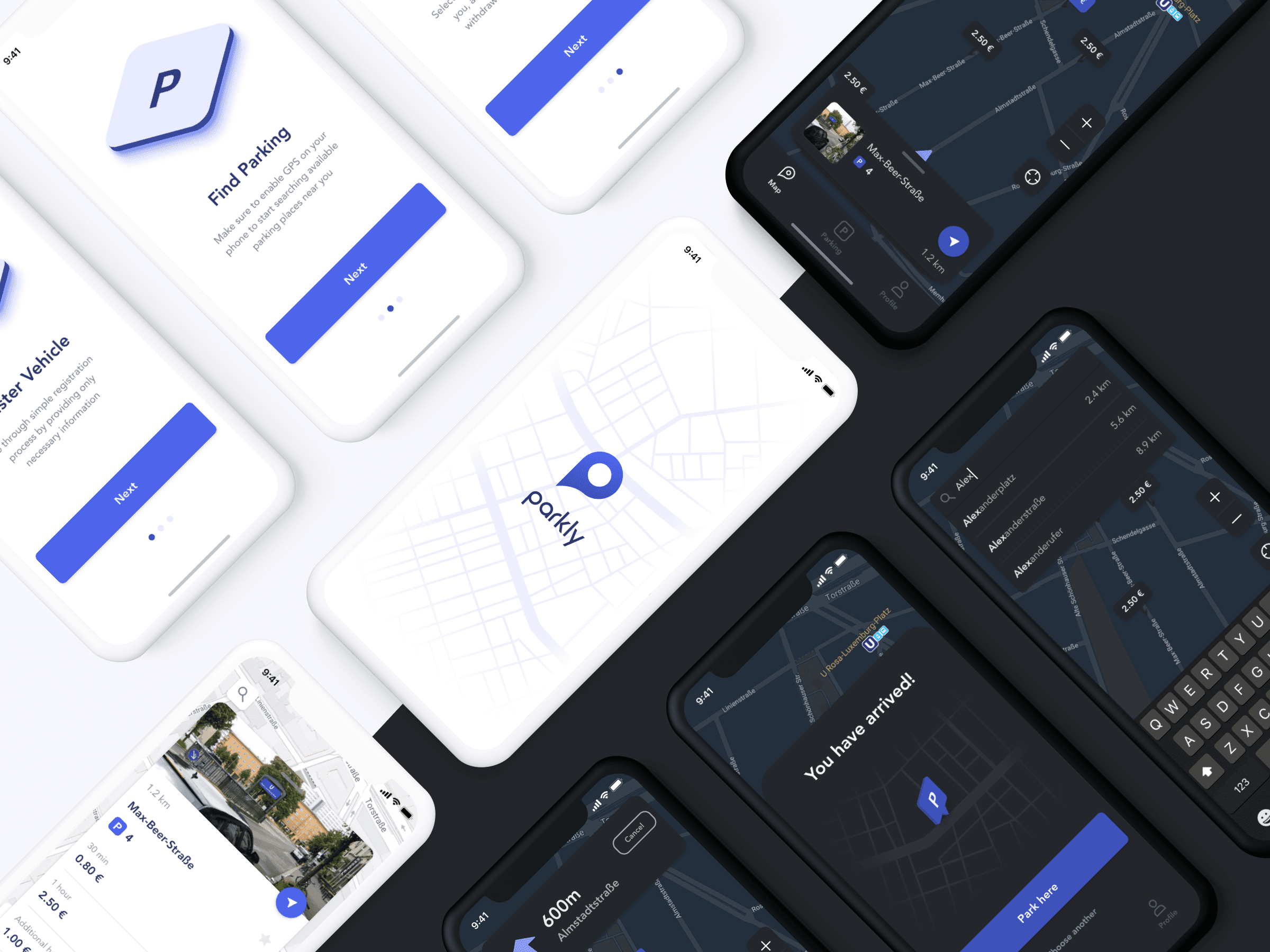
The parkly app was a mobility startup with a highly motivated team of founders who clearly defined one the pain points drivers all over world face – the difficulty of finding an open parking space.
As a result of intensive work on the MVP version for the app, our goal was to create a competitive mobile app to attract new users, offering exceptional user experience.
Team
Startup Founders
Challenge
How can we improve the parking experience for drivers in big cities with heavy traffic?
Apps on the Market
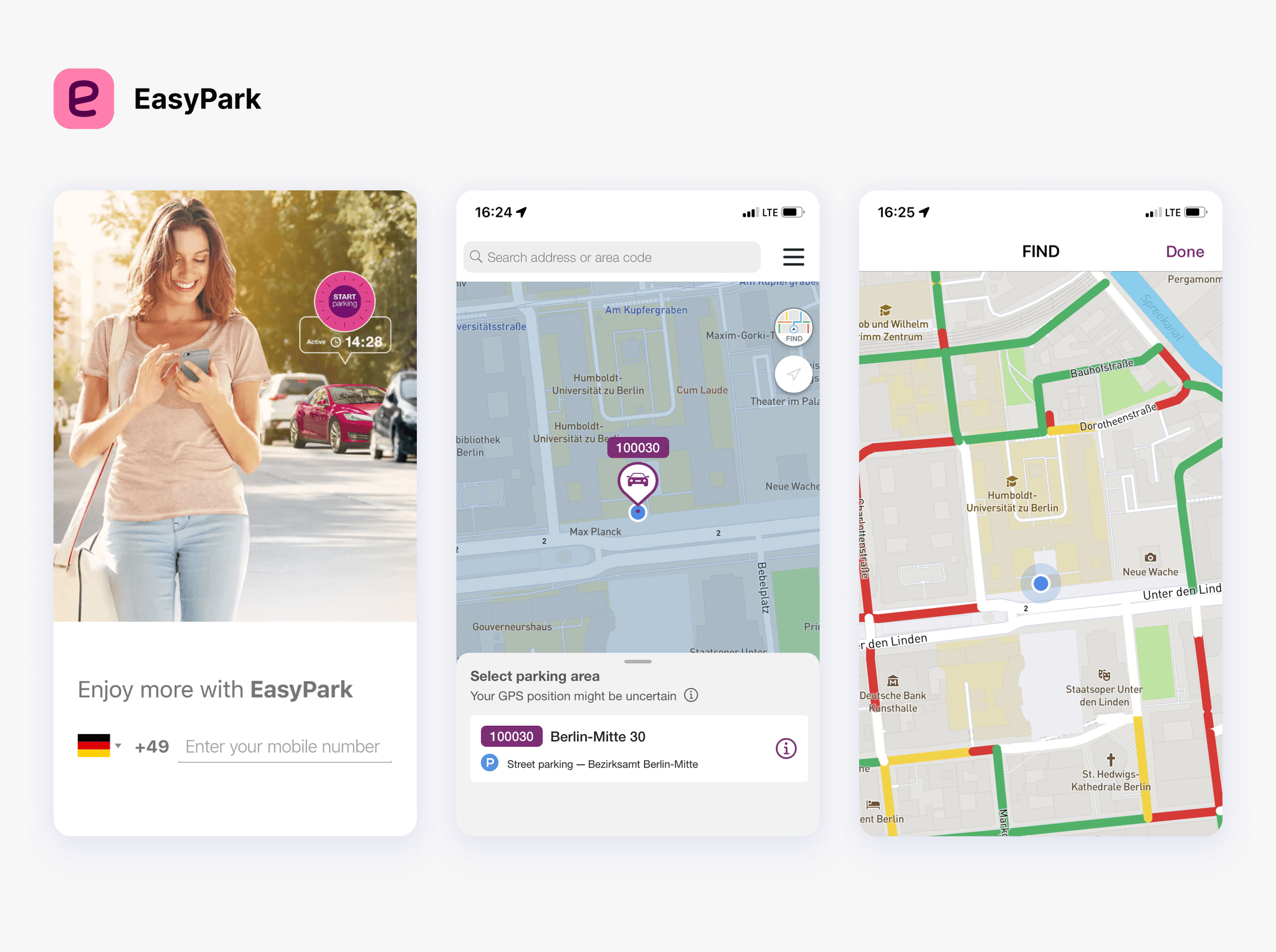
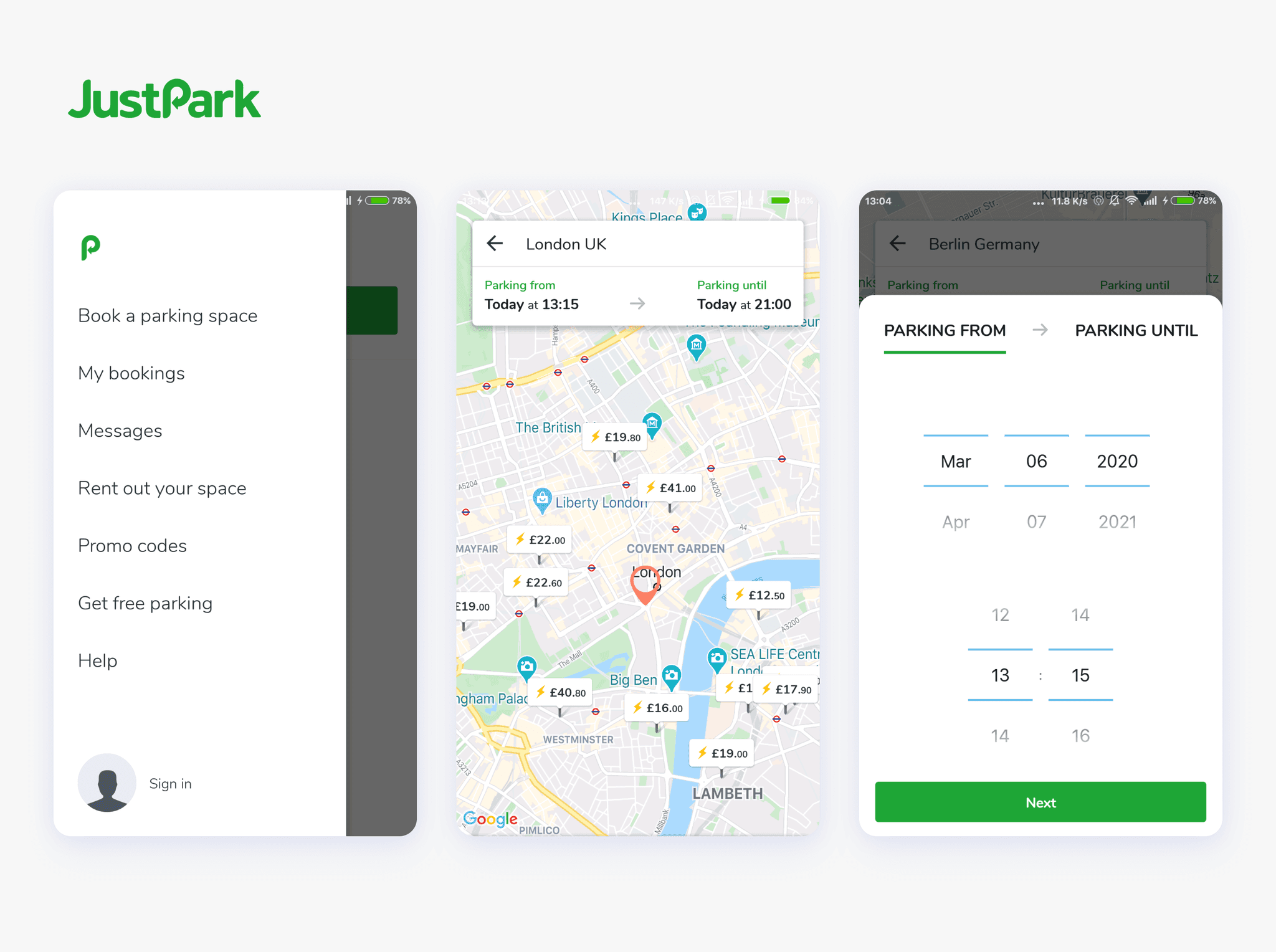
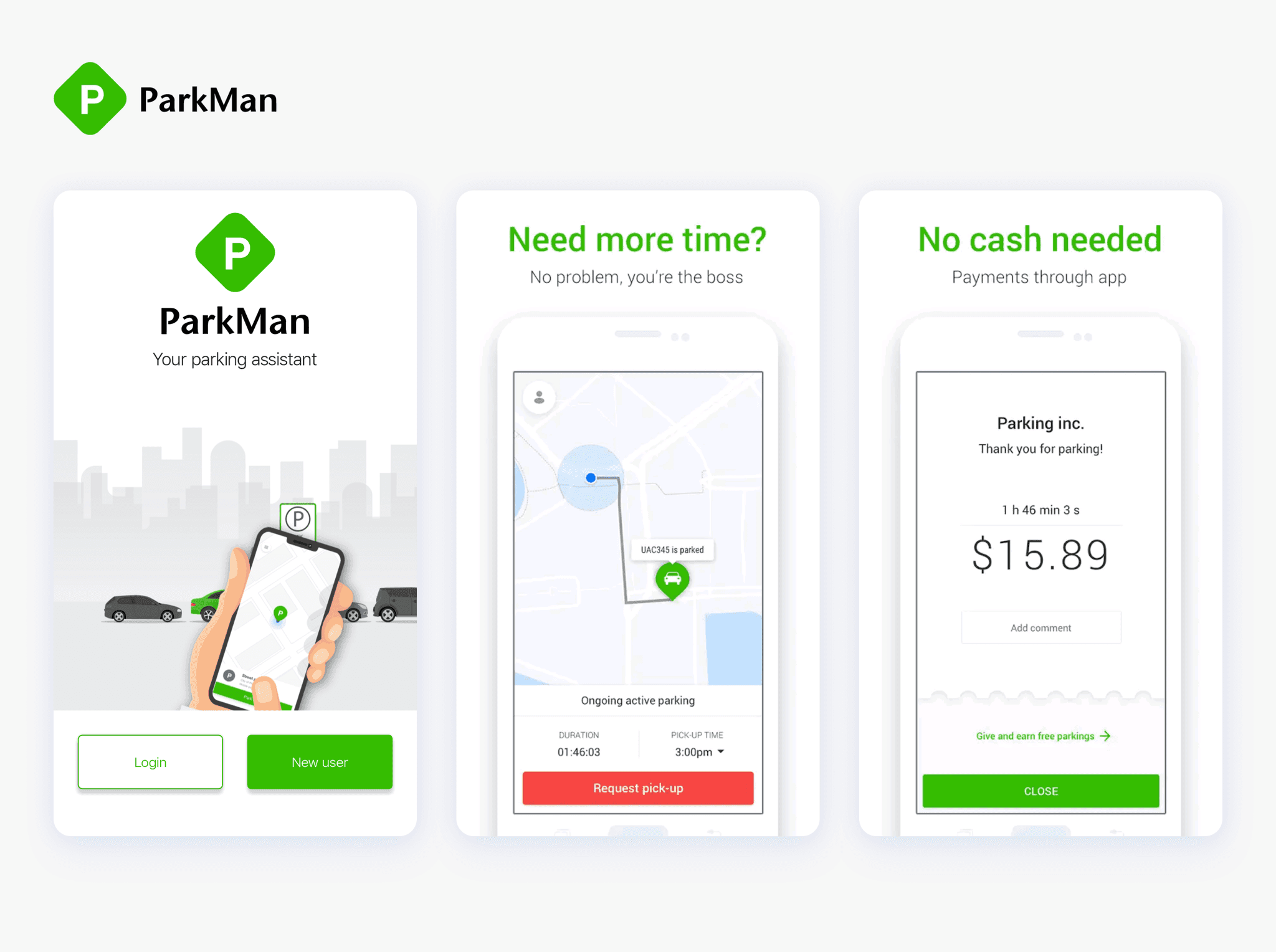
I began the project with market research, focusing on existing key players. The primary goal of this analysis was to identify their strengths, uncover weaknesses, and explore interesting features.
To achieve this, I compared several apps, including the European market leader EasyPark, the popular UK app JustPark, and the international parking app Parkman.
Although these apps share the common goal of managing parking, they each offer unique user flows, usability considerations, and ultimately, different parking experiences.



Research Insights
According to the research studies we used during our ideation process for the parkly app, we found that the problem of parking management is especially relevant in large and medium-sized cities, where around 77% of drivers waste a lot of time trying to find a free space for their vehicles.
Additionally, 80% of mobile parking app users are interested in an app that shows them available spots nearby, which confirms and validates the main goal of the Parkly app: to improve the parking experience and make driving more enjoyable.
User feedback
Another valuable addition to the research studies is real user reviews and detailed feedback on the apps they use daily.
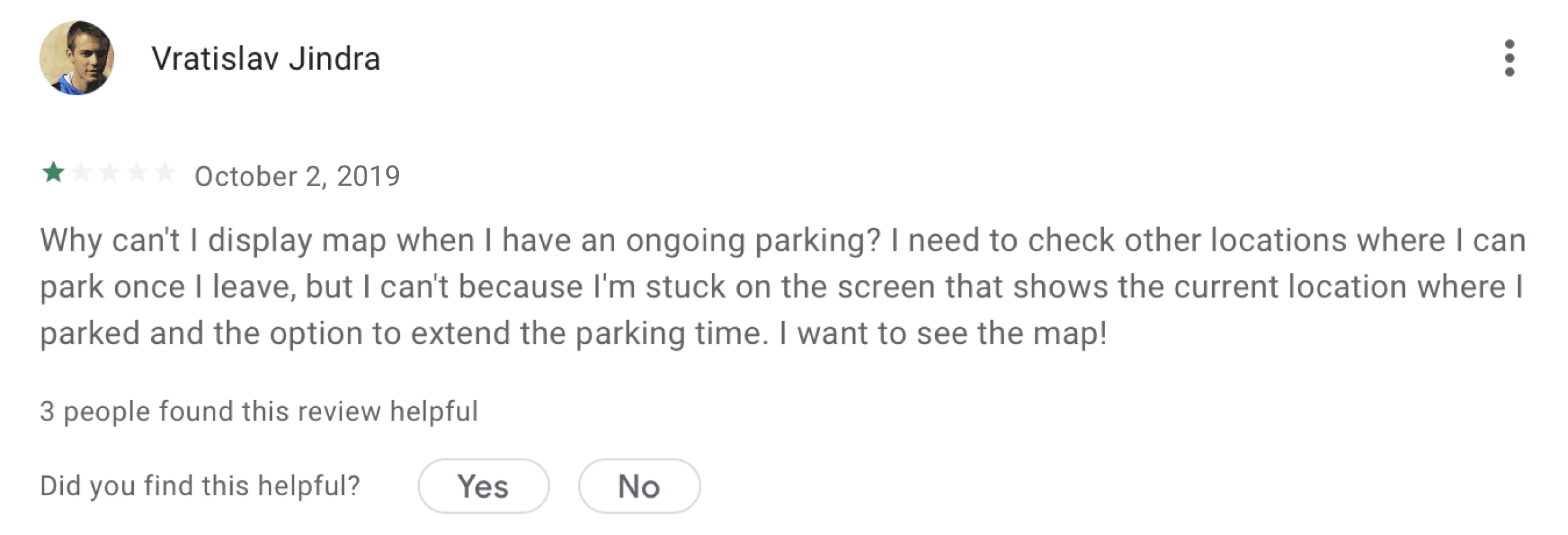
It's interesting to mention EasyPark. Despite its popularity in the European market and overall good ratings, user reviews revealed that the app has usability issues and lacks functionality.
I want to navigate through the app even during an ongoing parking session and see the map.
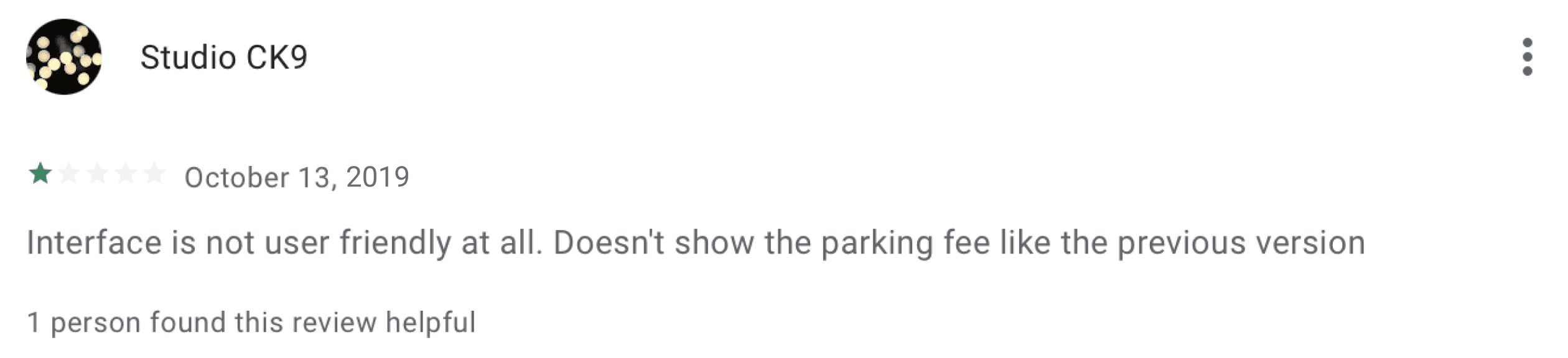
The interface is not user friendly and doesn't show the parking fee.
It would be cool to have a darker theme as well.

Main Pain Points
MVP Scope
When developing a car parking mobile application, integrating key features is crucial for ensuring its effectiveness and usability. Therefore, we identified several essential features that a car parking app should include.
User registration
App onboarding
Parking lot search
Map navigation
Payment integration
Dark theme
Parking session overview
Parking History
Notifications
User profile
User Flow
When developing design solutions, I start with a comprehensive view. Before moving into visual design, my first steps involve understanding the project requirements and planning the app architecture.
To ensure drivers will easily understand the app functionality, I included only necessary menu items and displayed them prominently.
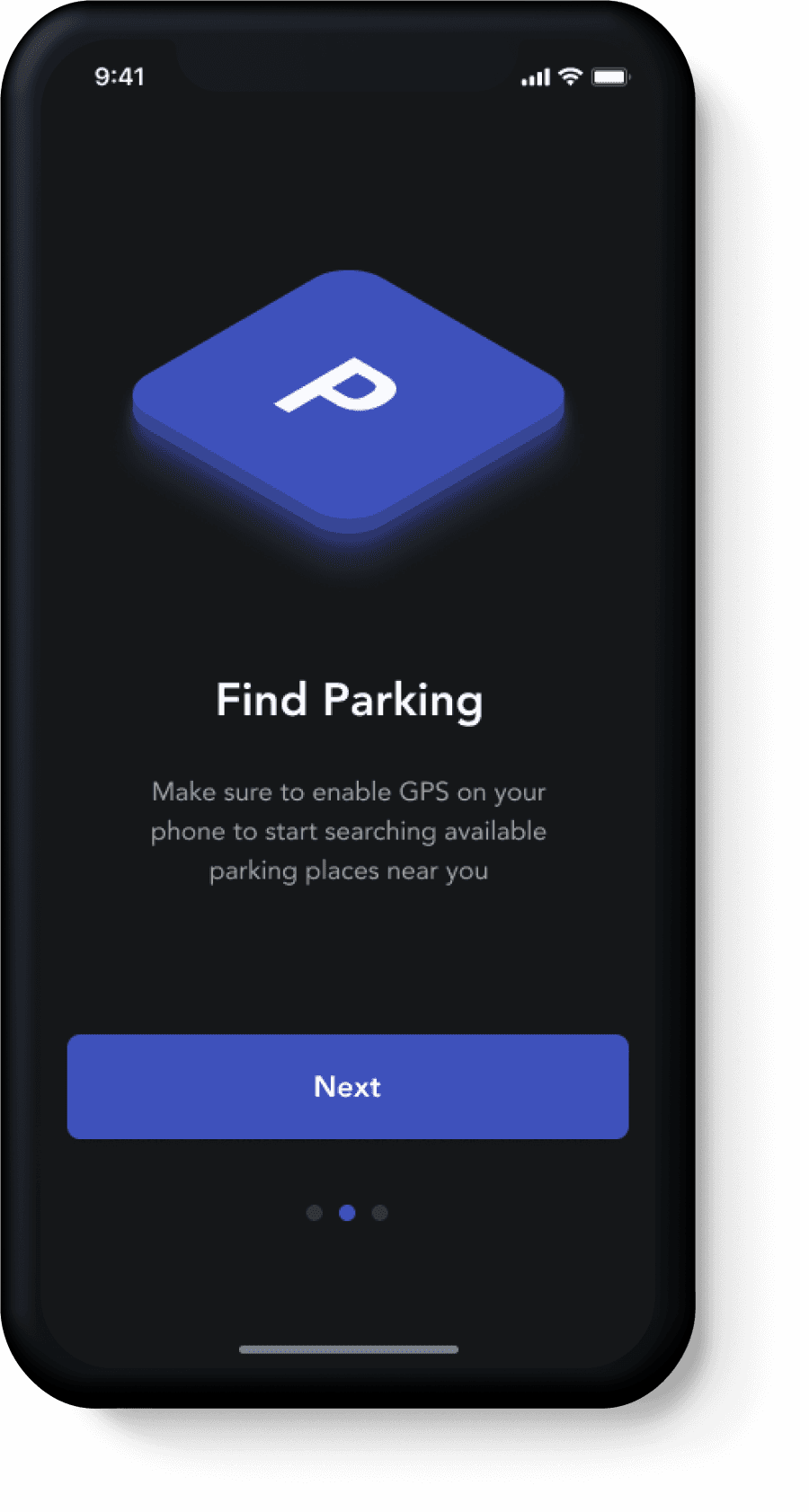
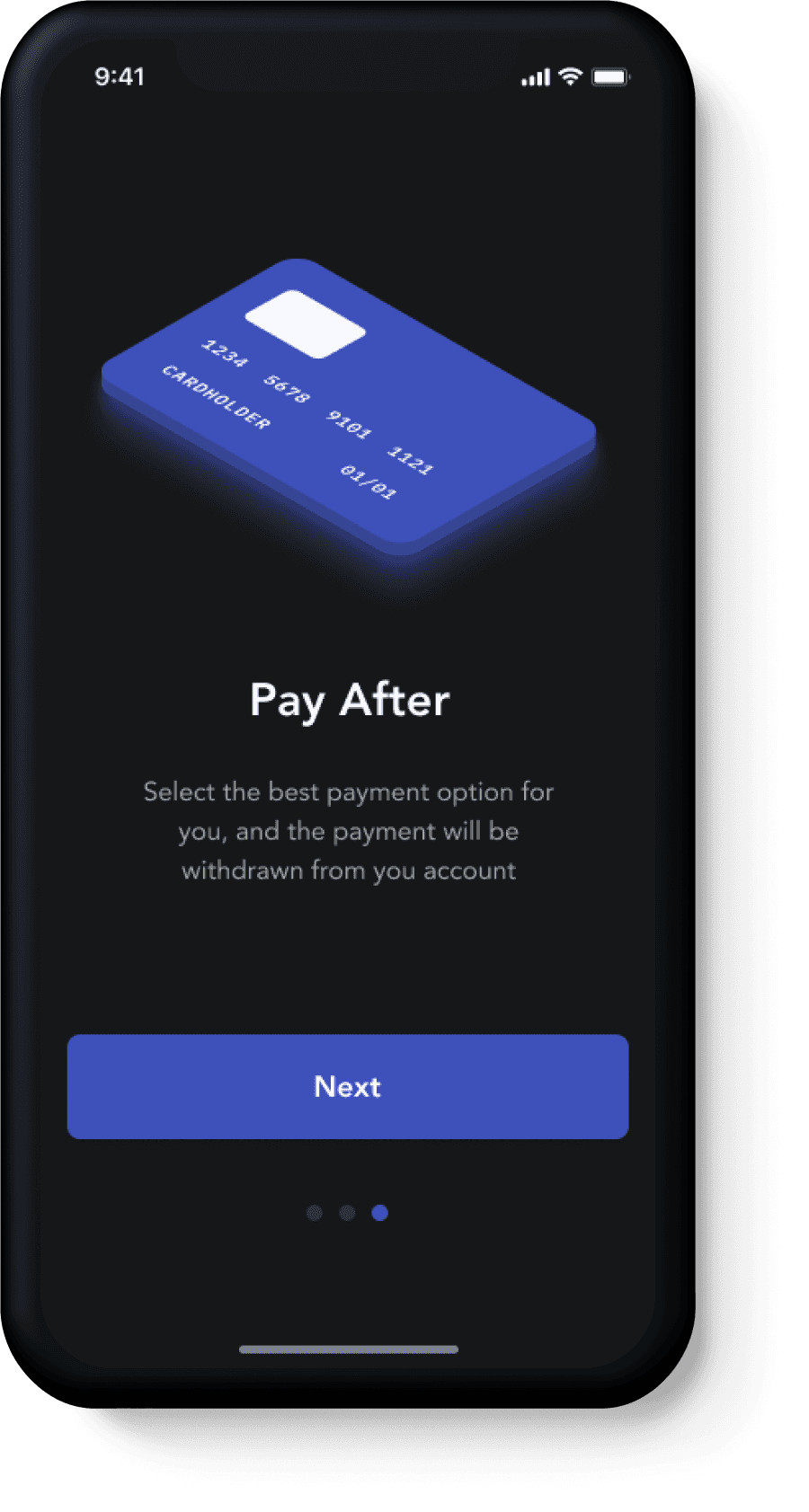
Onboarding
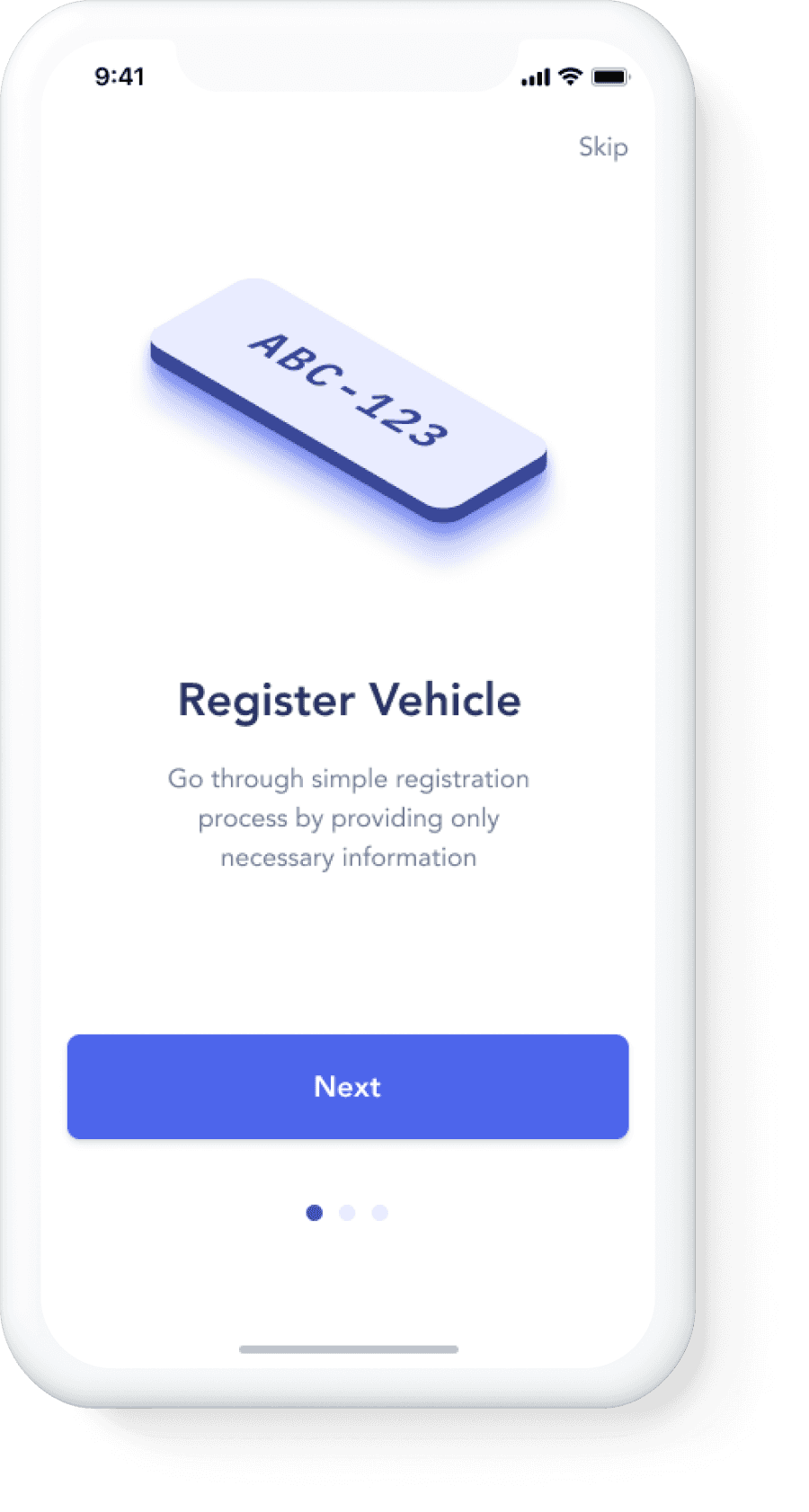
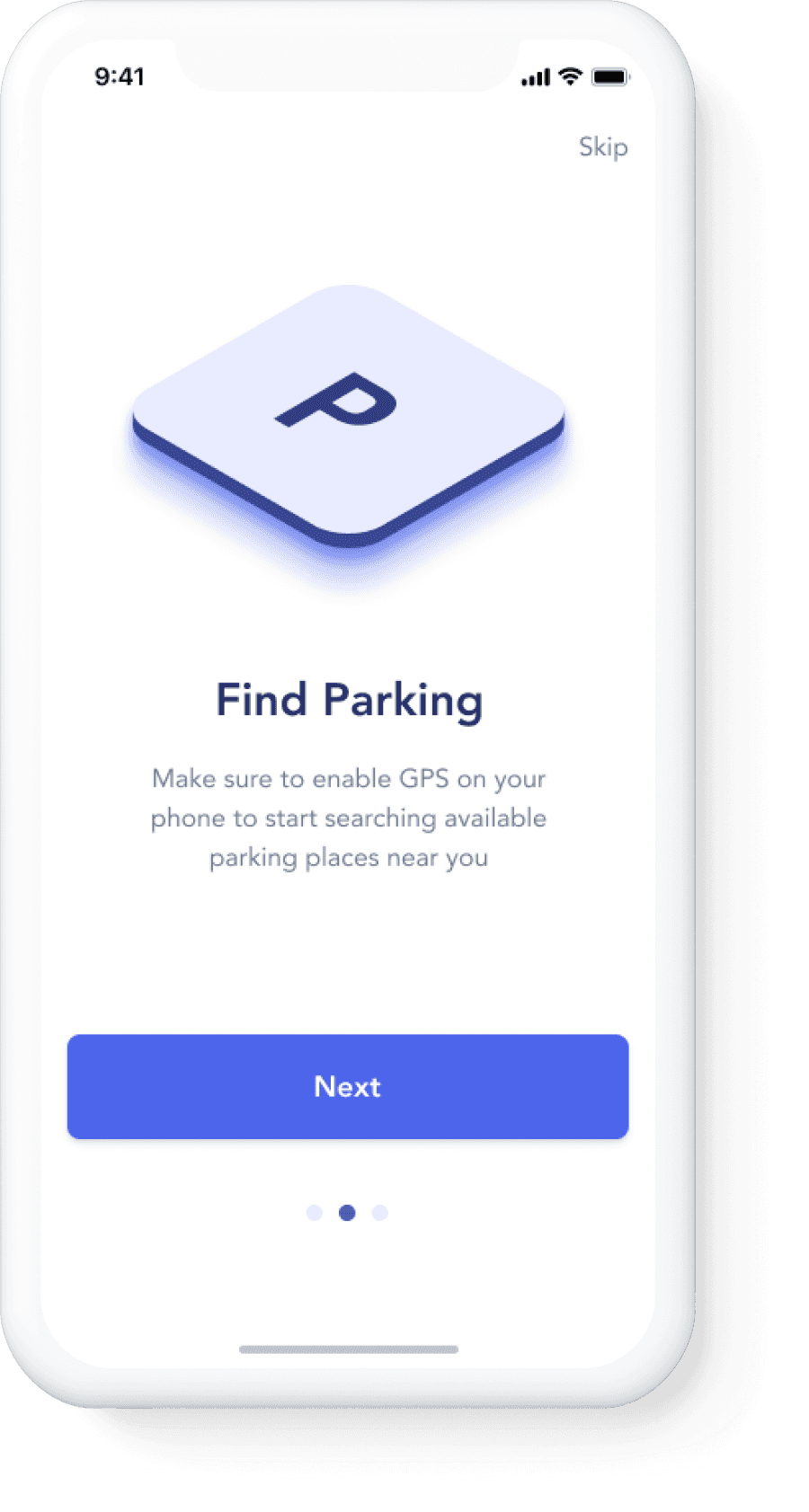
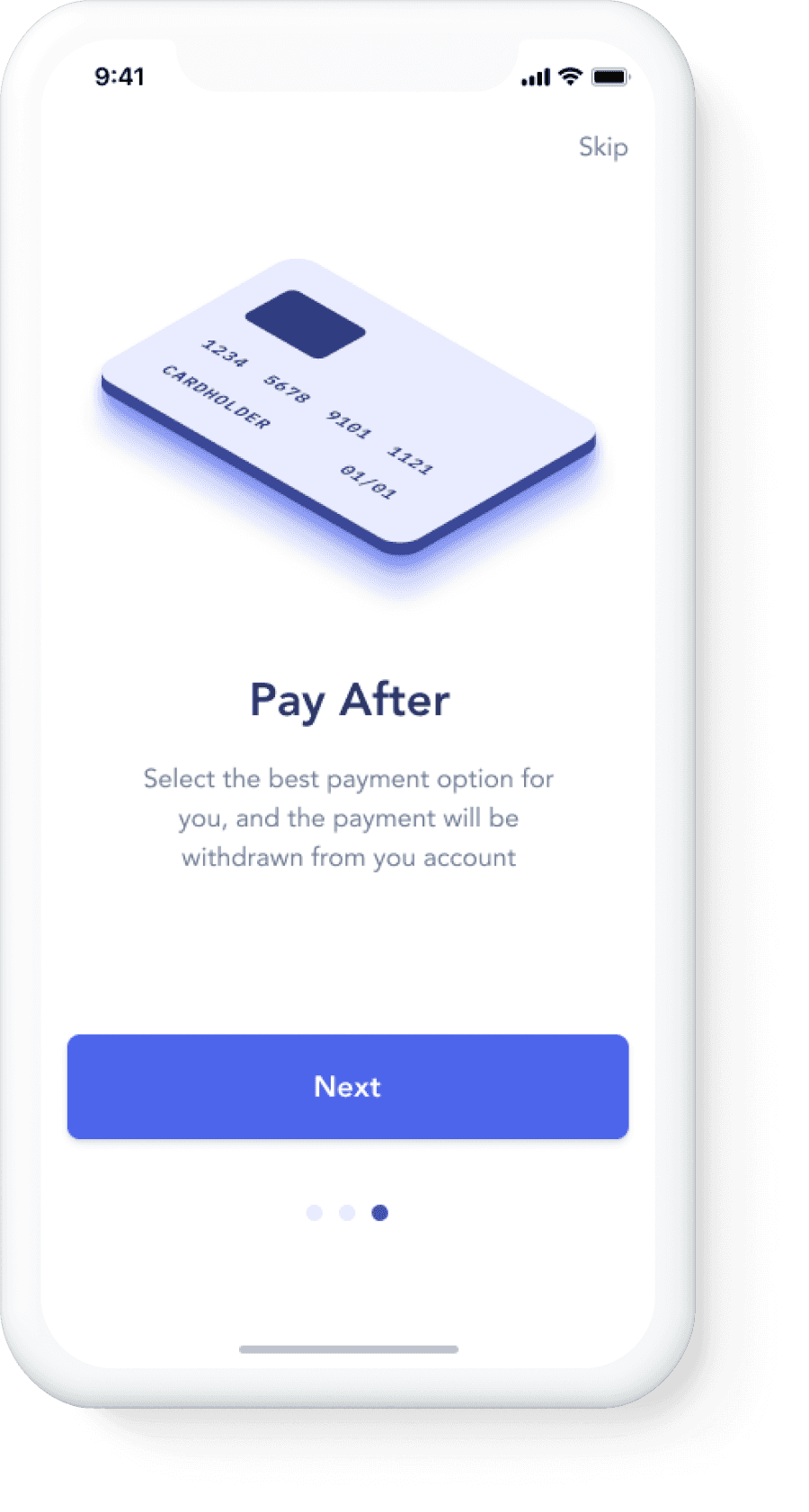
To make short introduction for the first-time users about the app features, it is essential to show them key functions and their description.
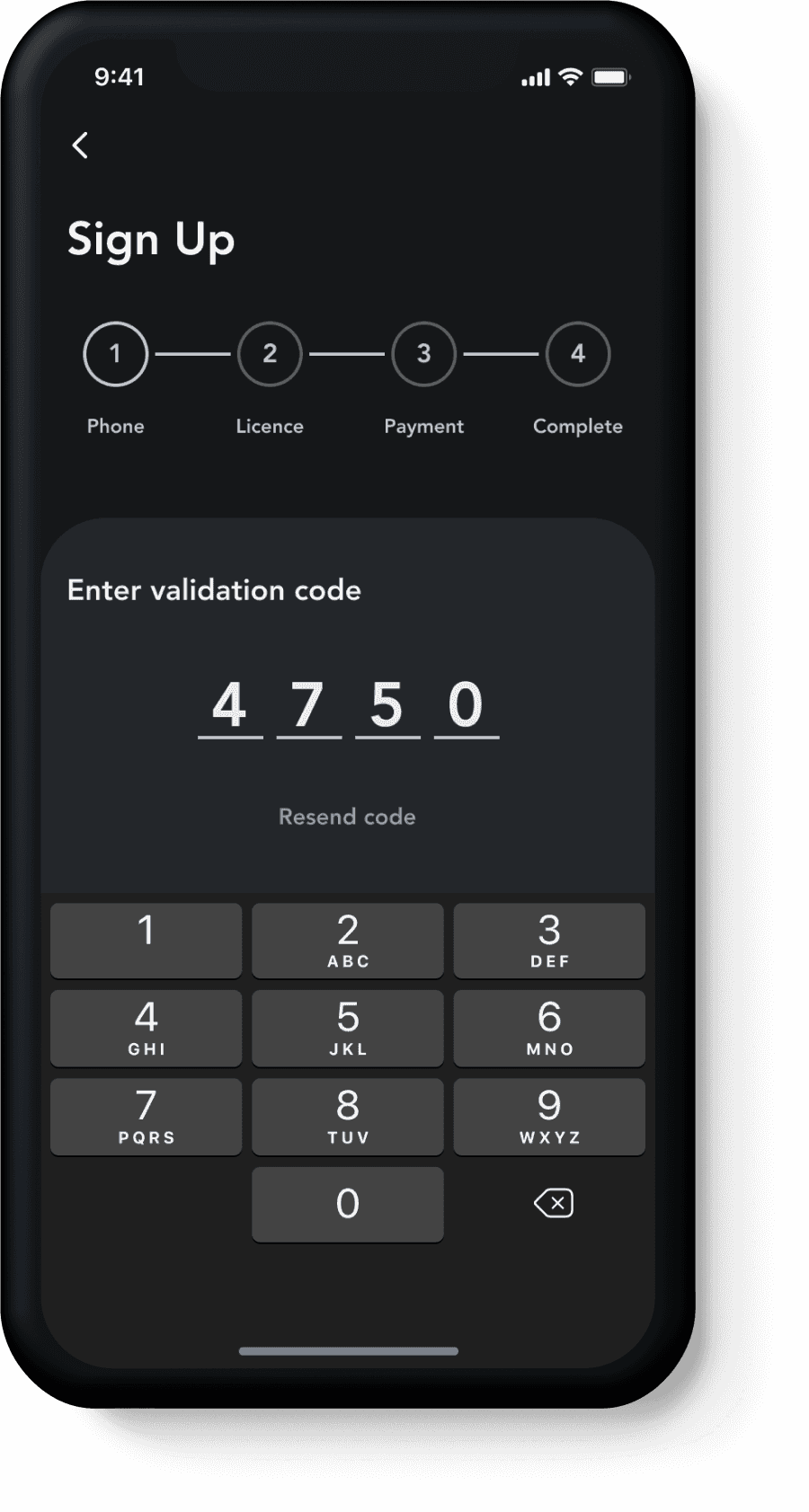
Registration
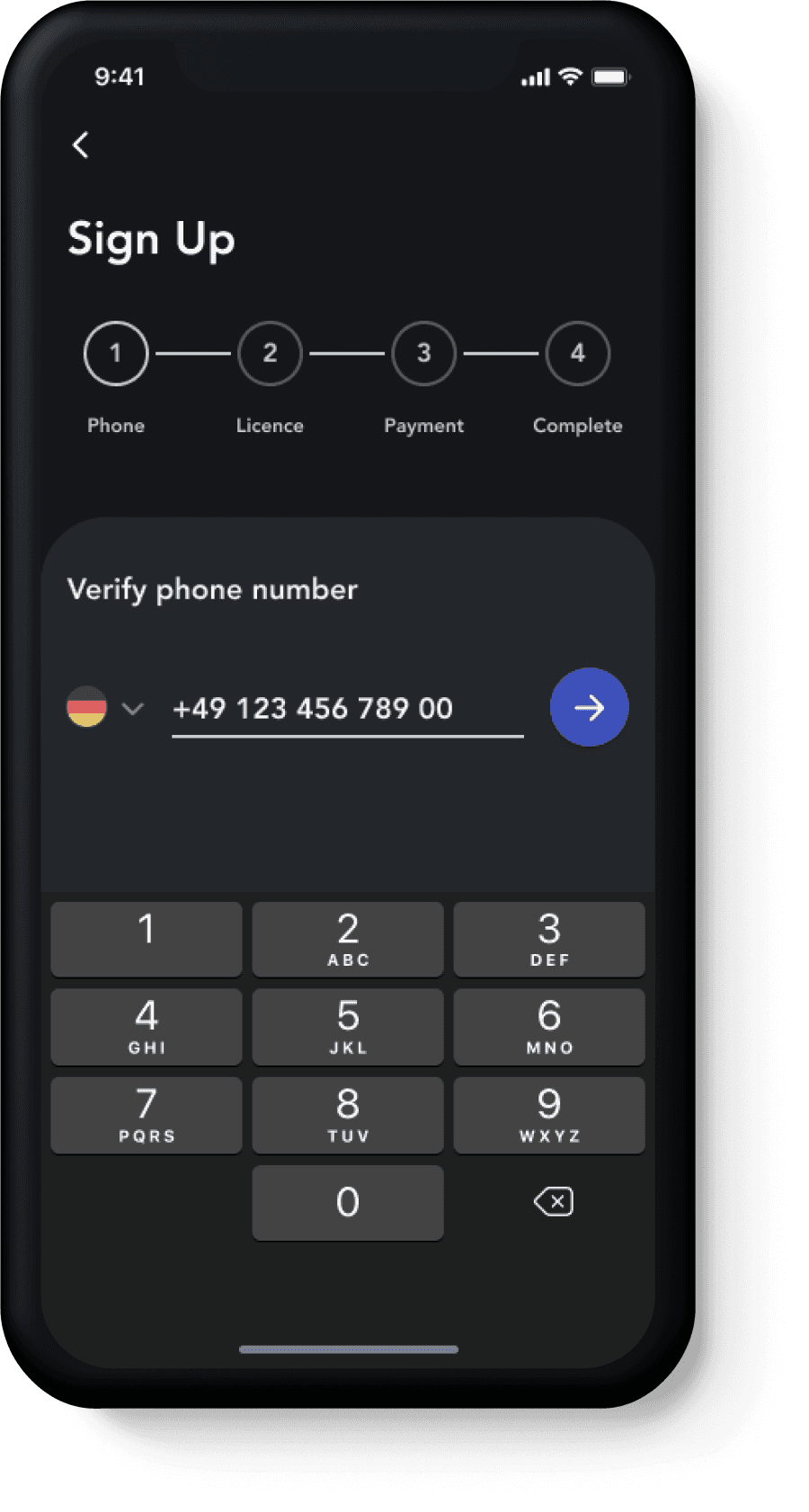
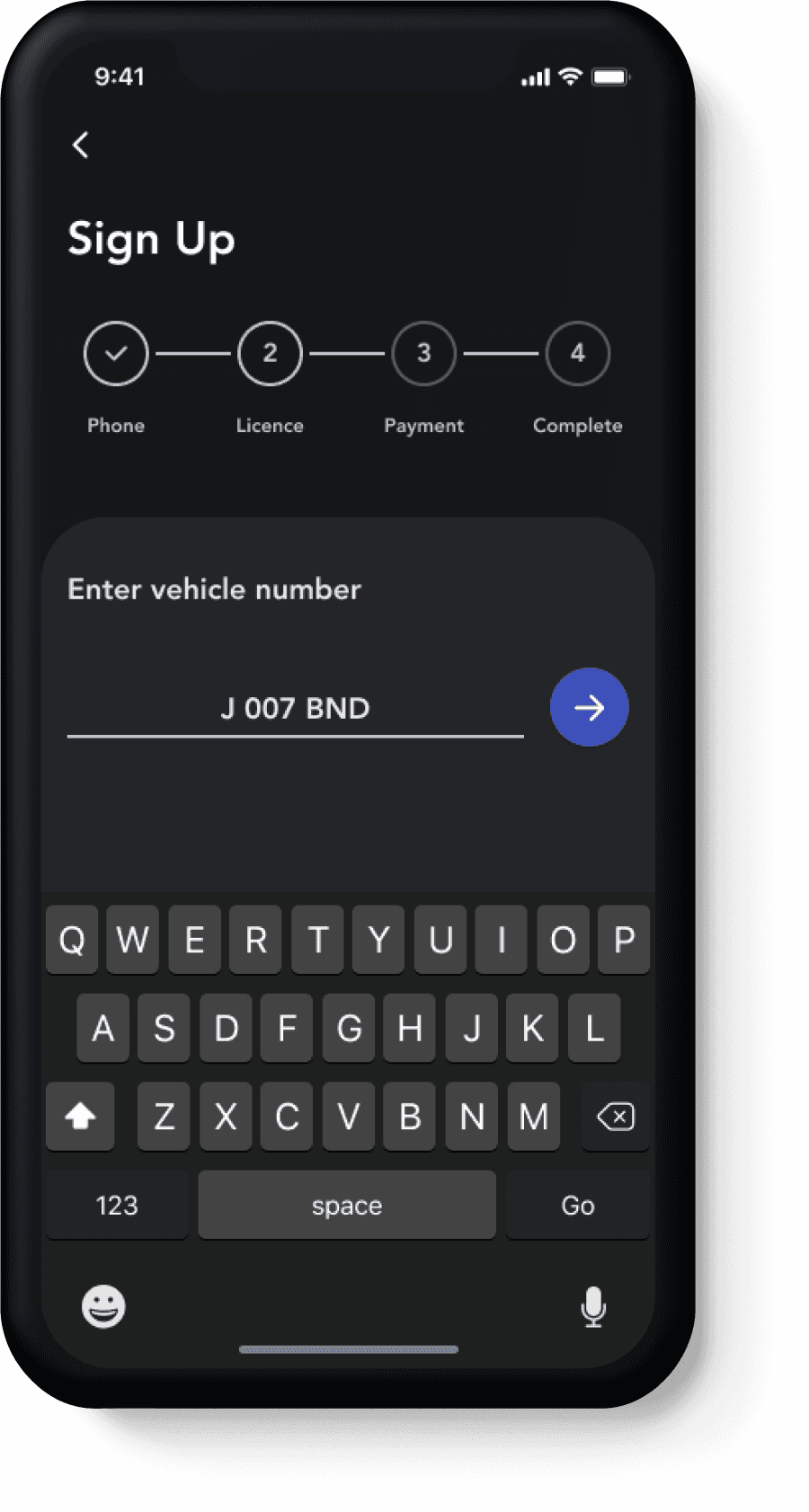
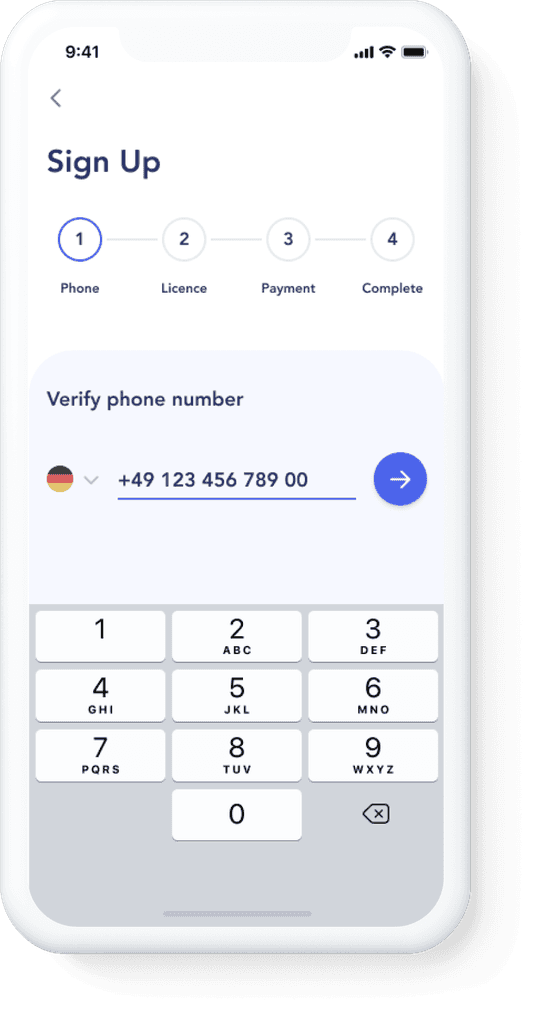
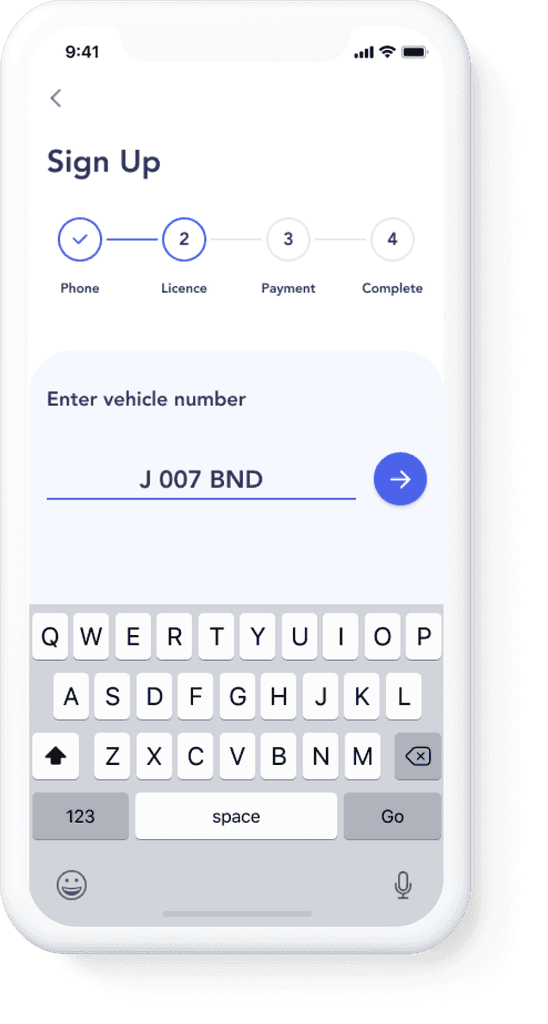
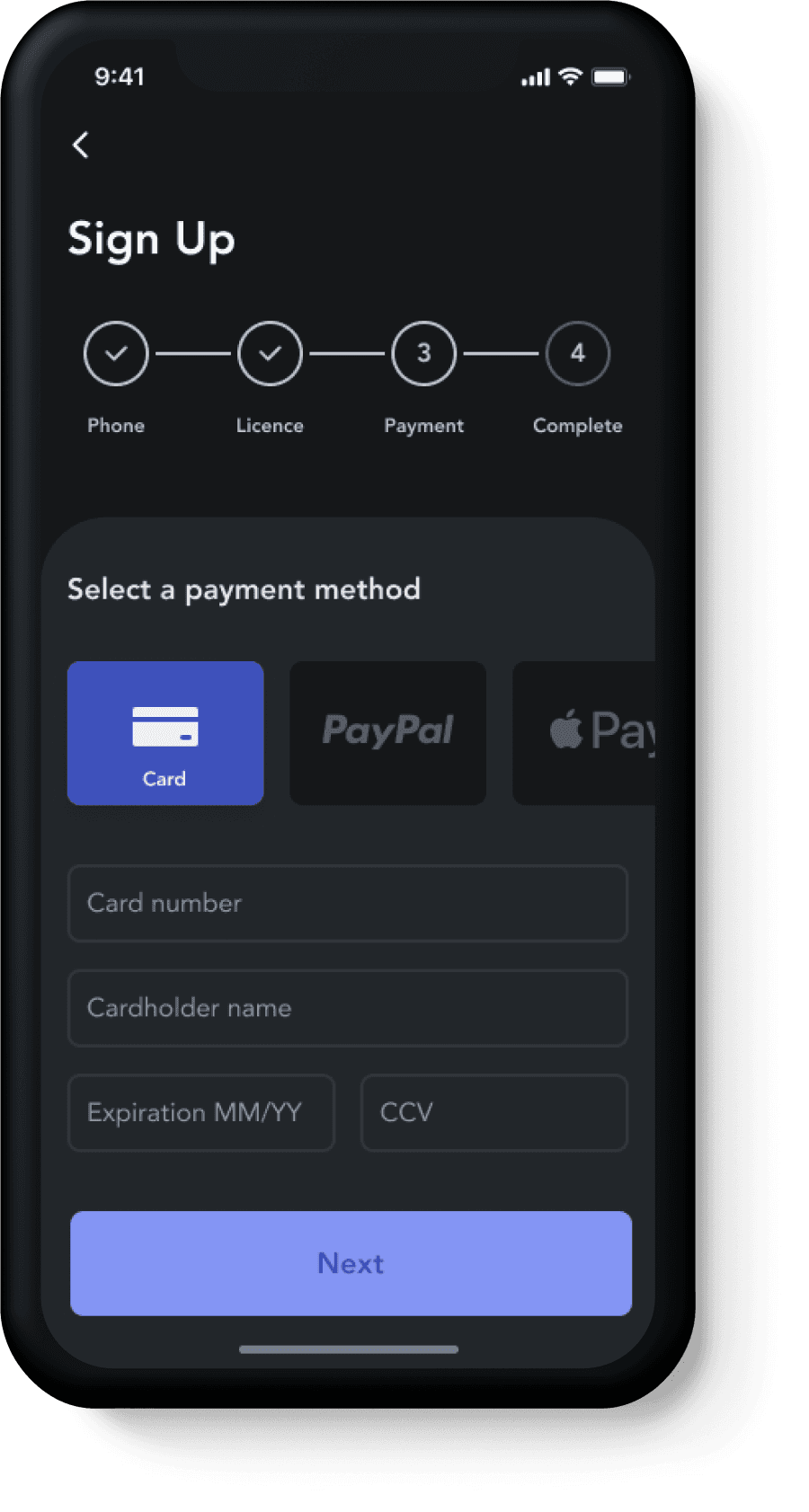
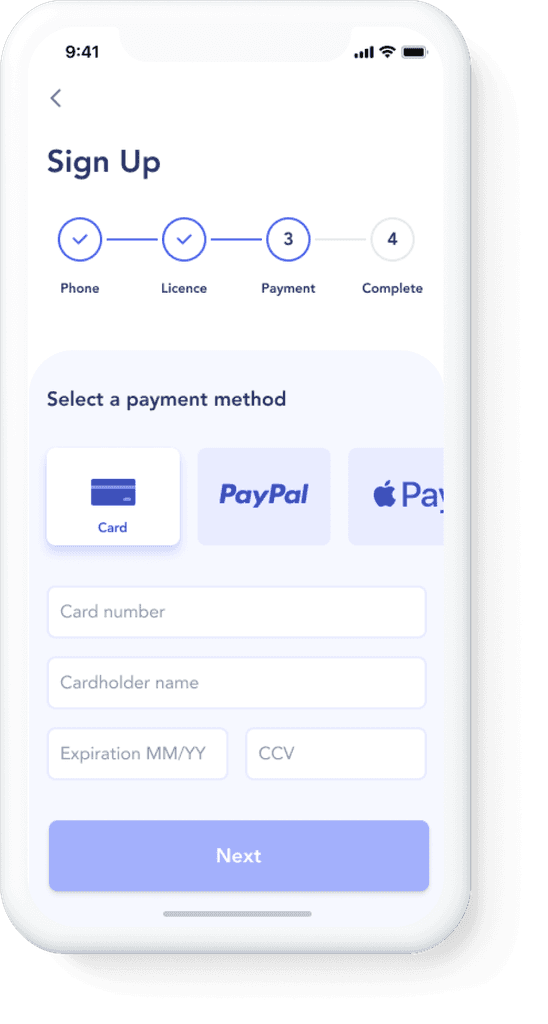
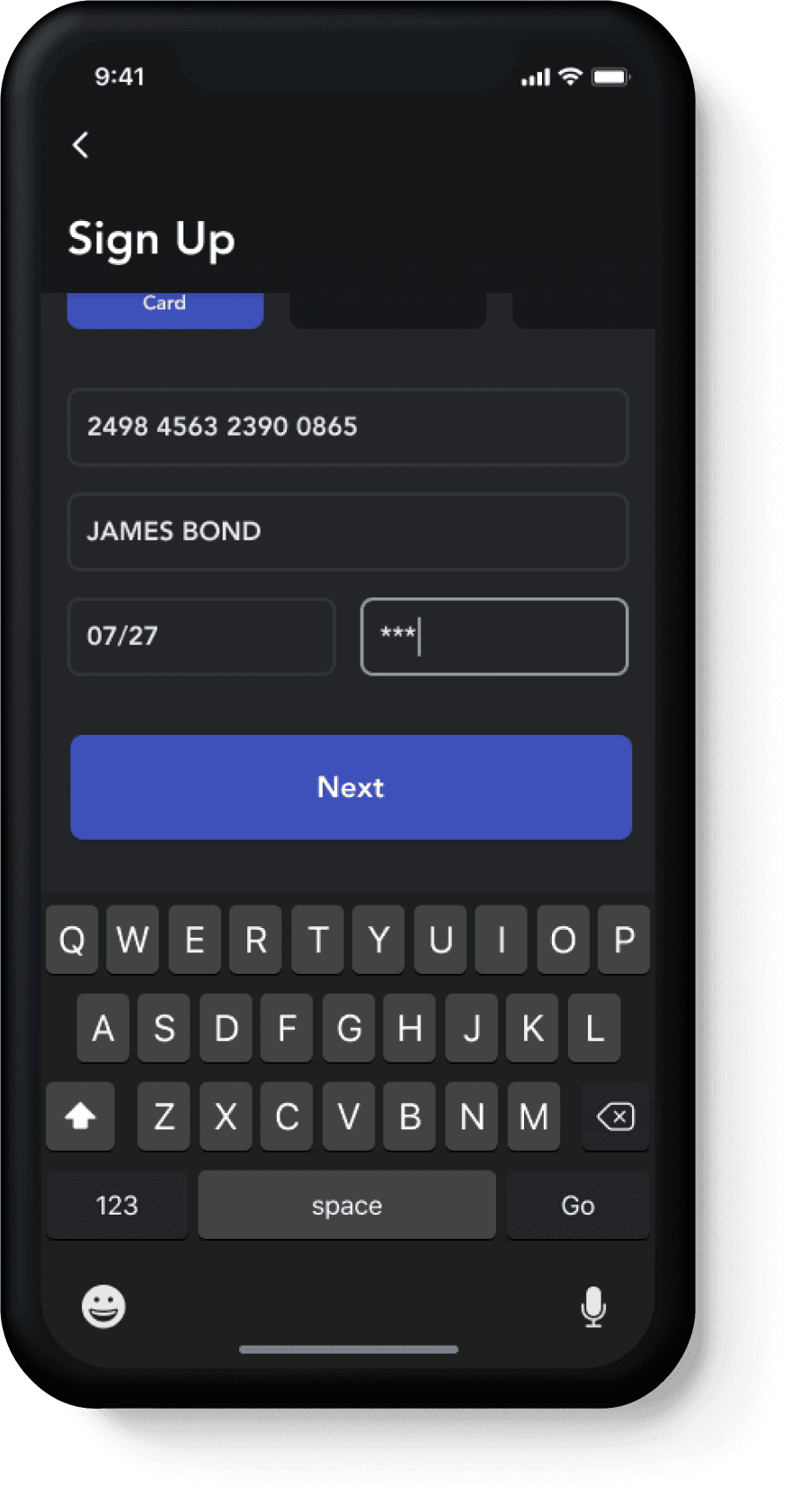
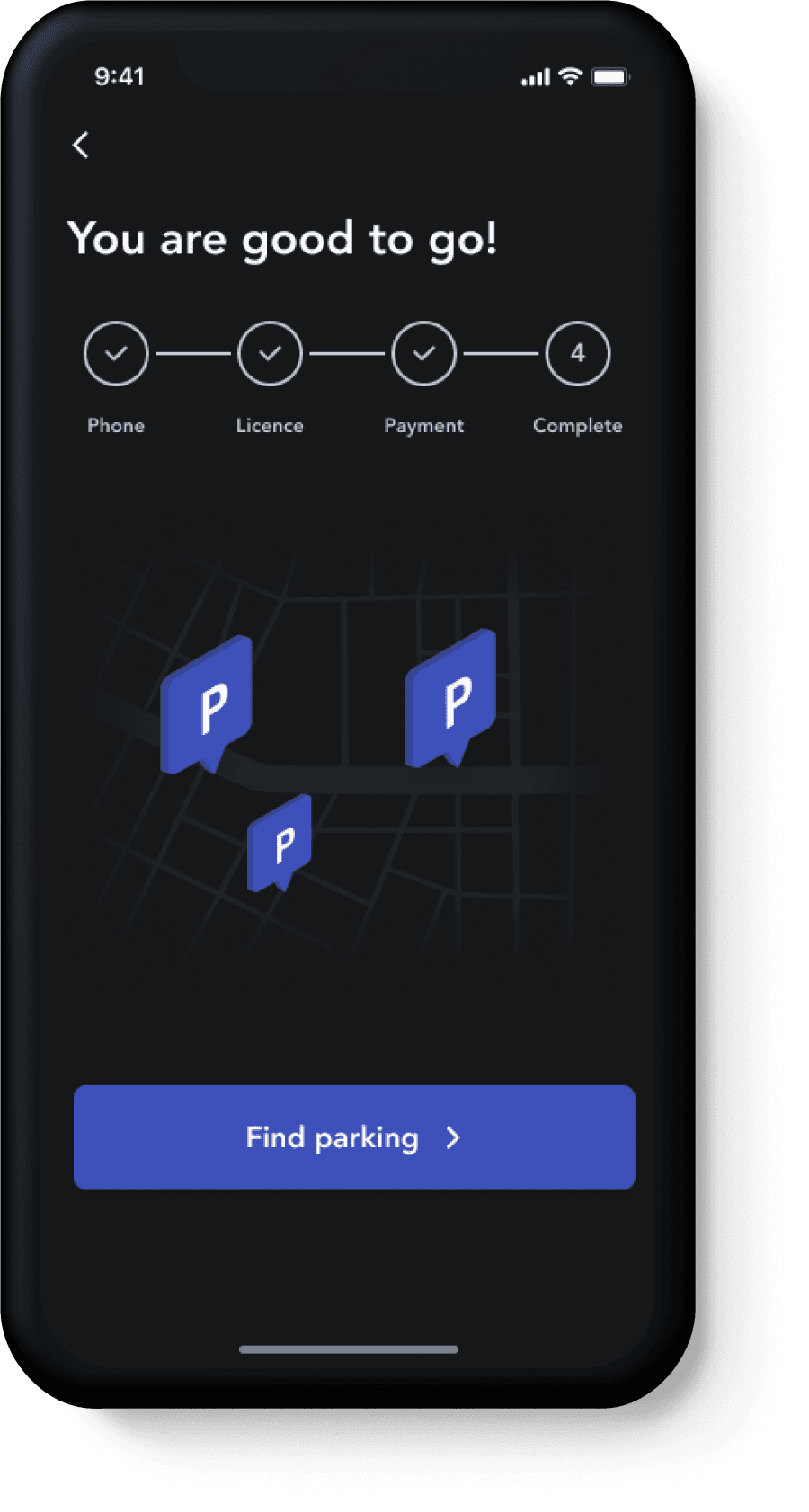
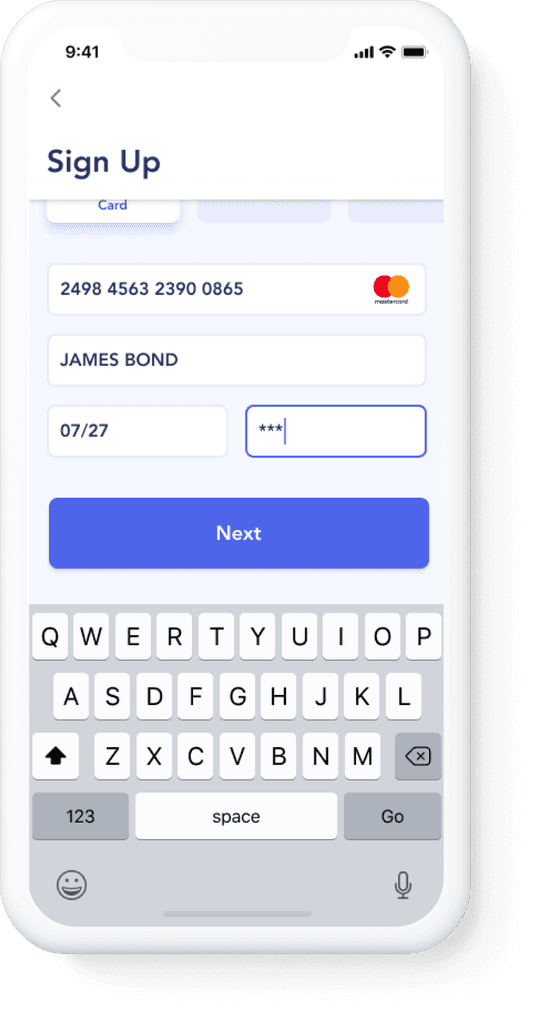
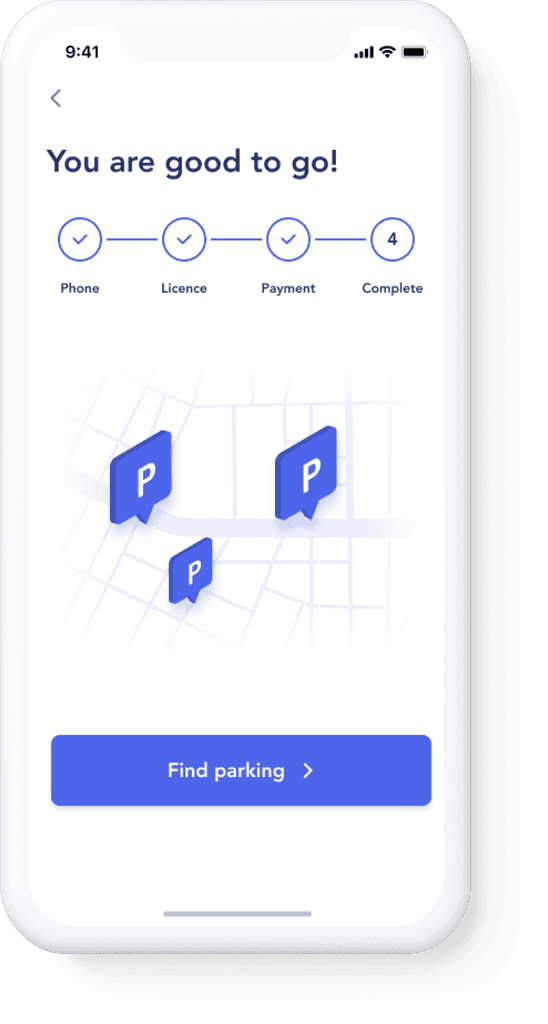
The registration process is divided into several steps and gives a clear information about the necessary data user has to provide. It consists of 3 main steps:
Verifying the phone number
Entering the vehicle licence number
Choosing payment method
Map Navigation
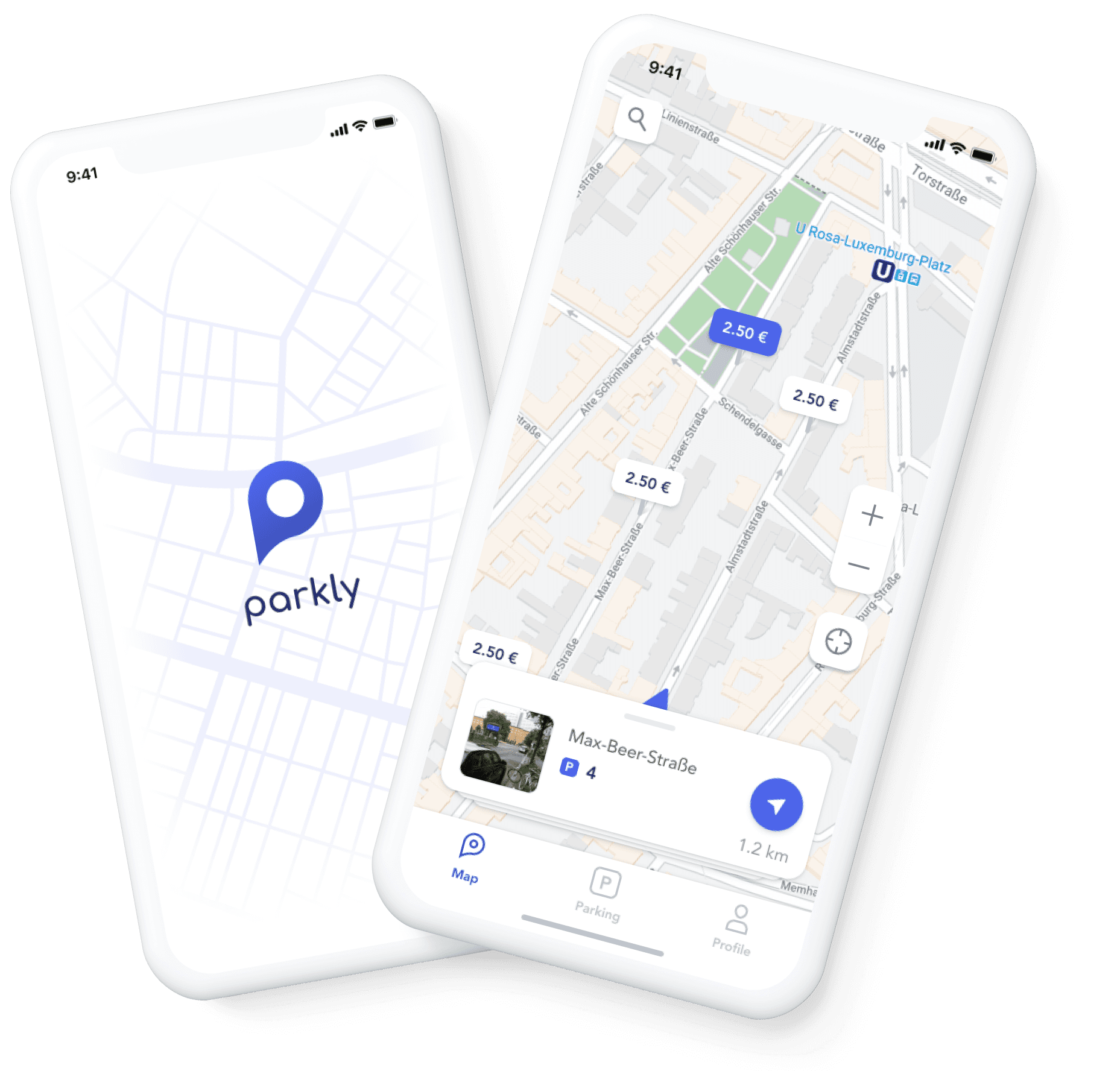
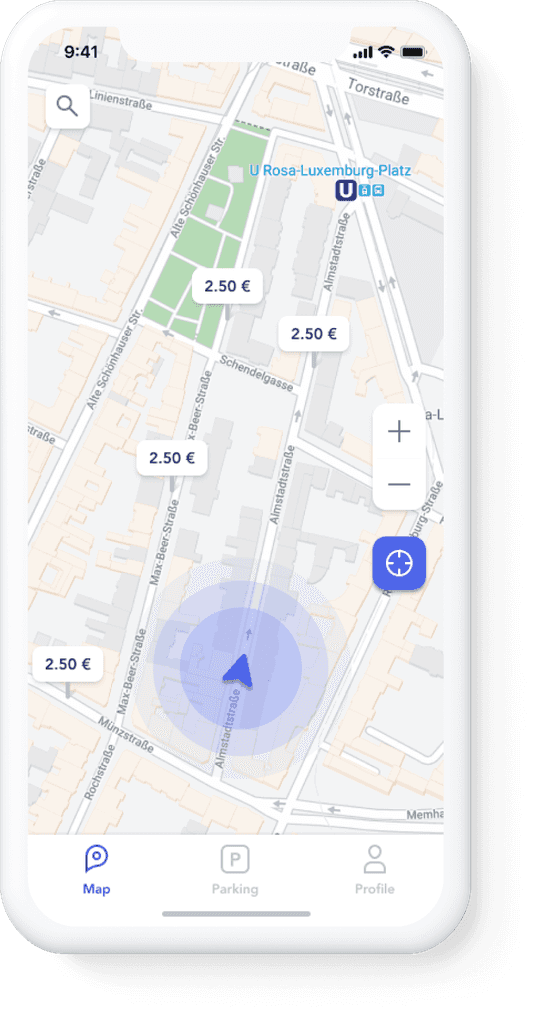
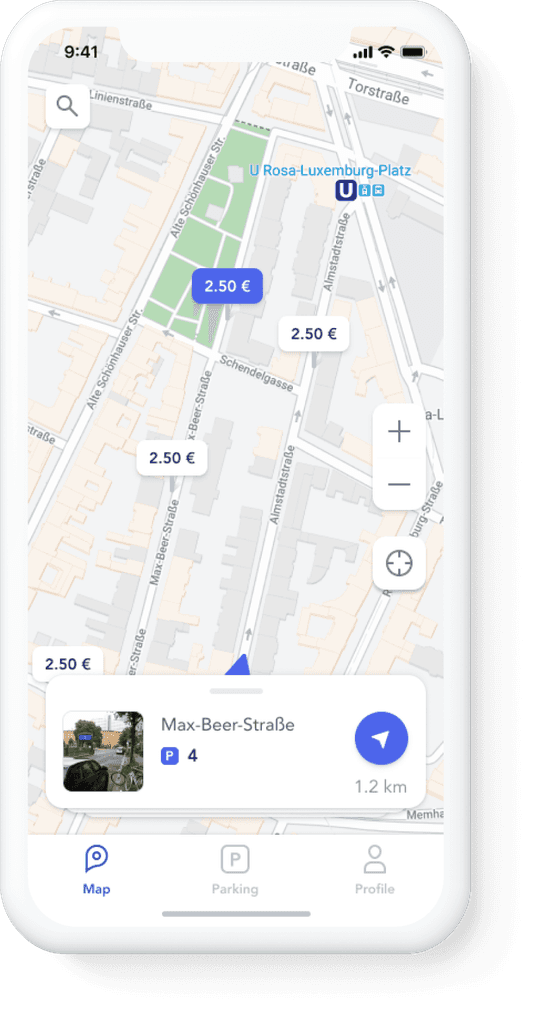
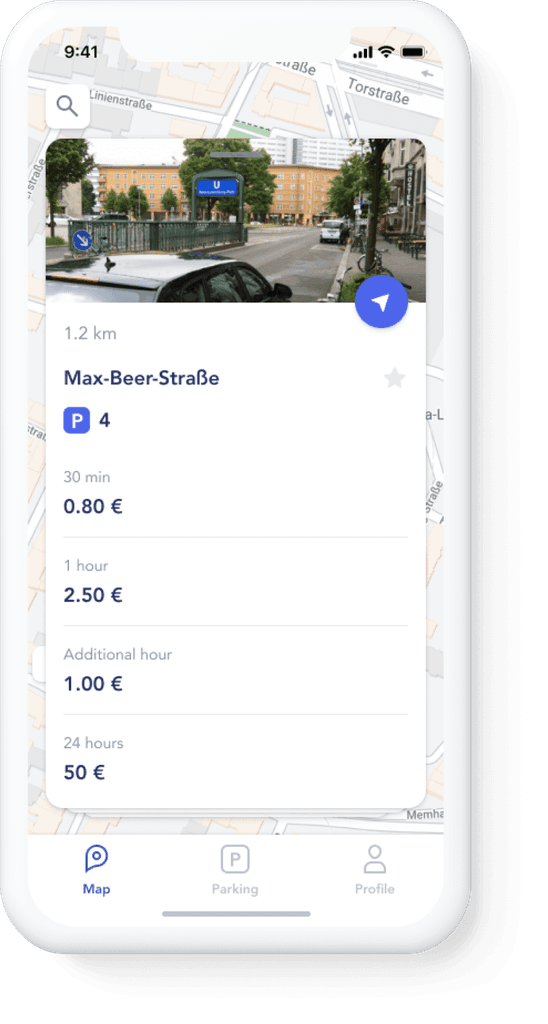
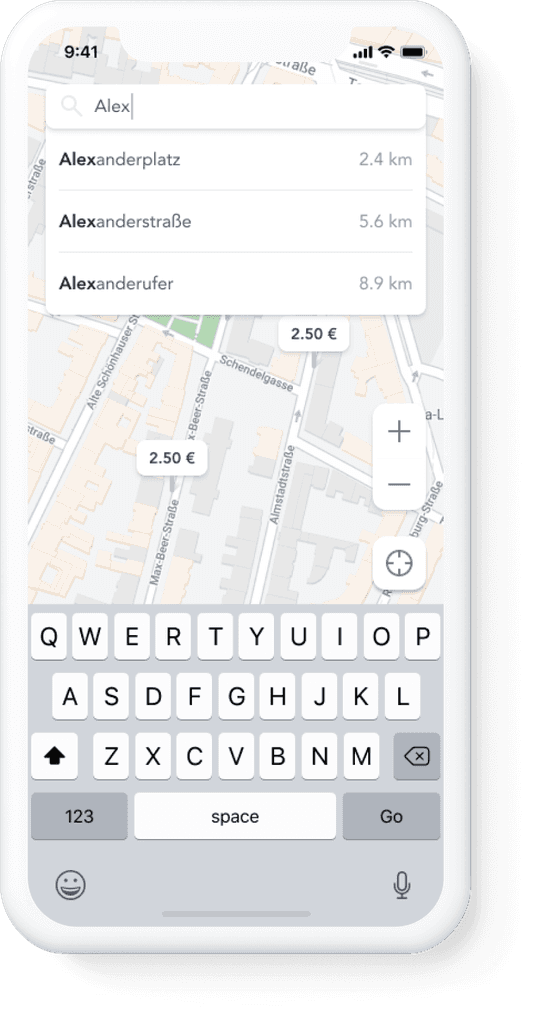
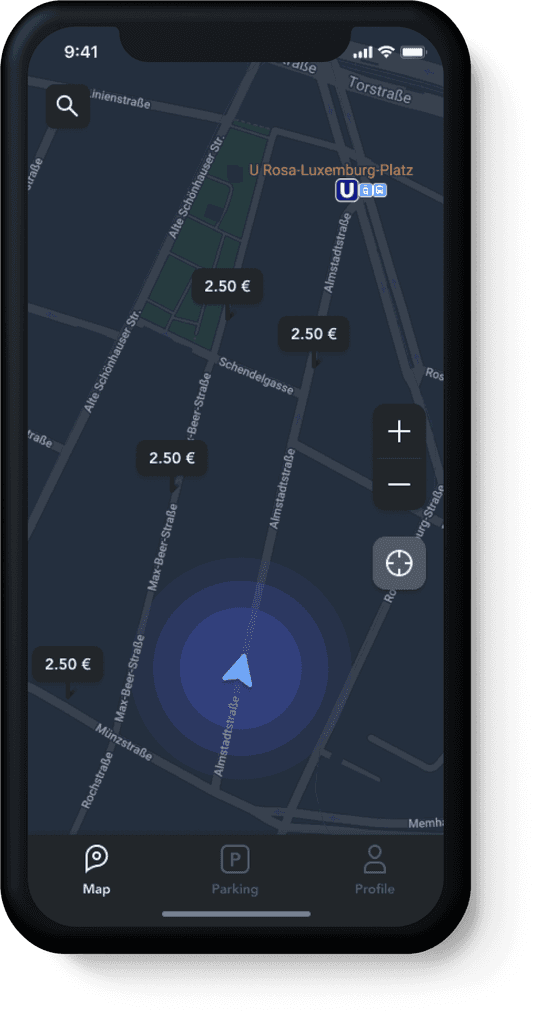
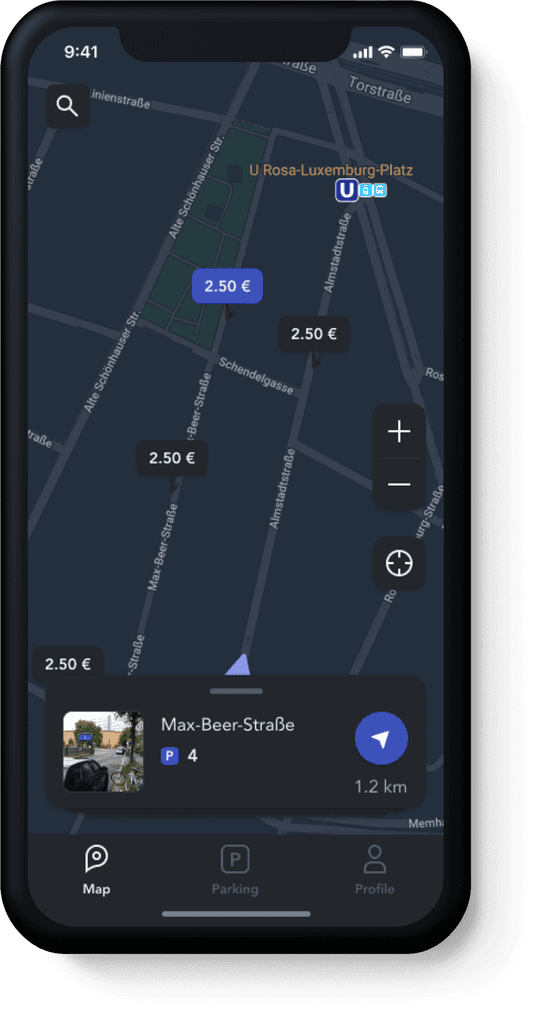
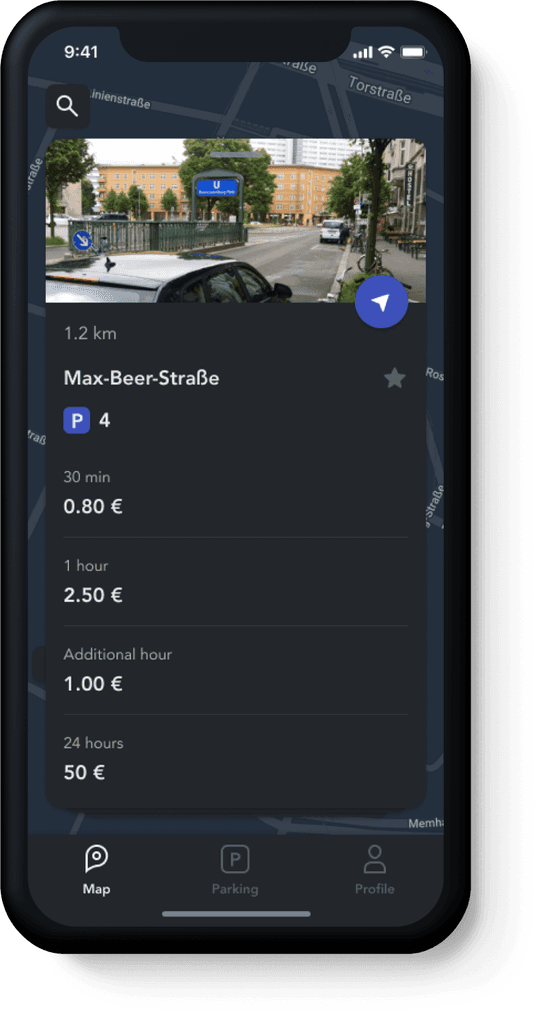
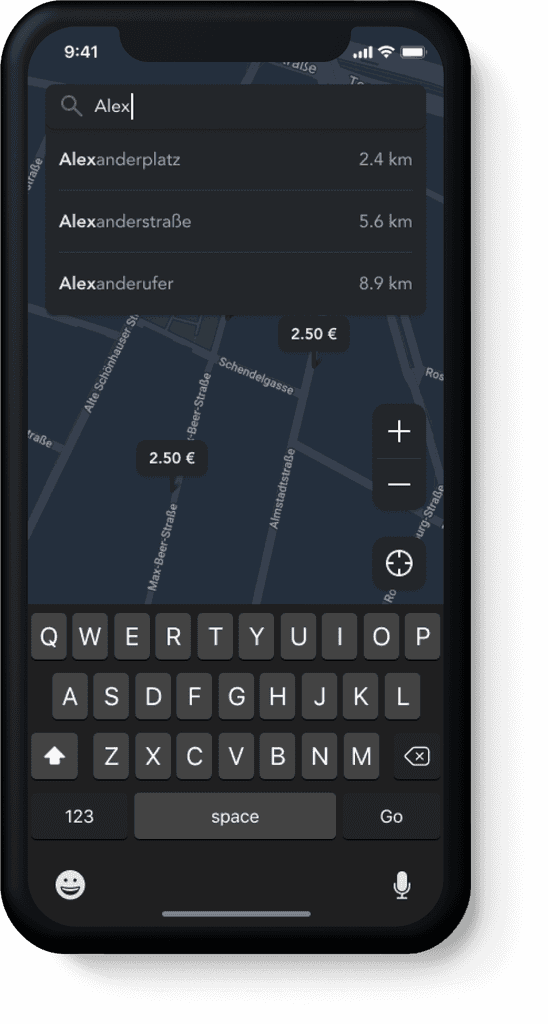
All open parking spots in the driver's vicinity are shown on the map and the driver can see more information by clicking on it. Labels provide an hourly rate and can be switched by swiping or expanded for more detailed view.
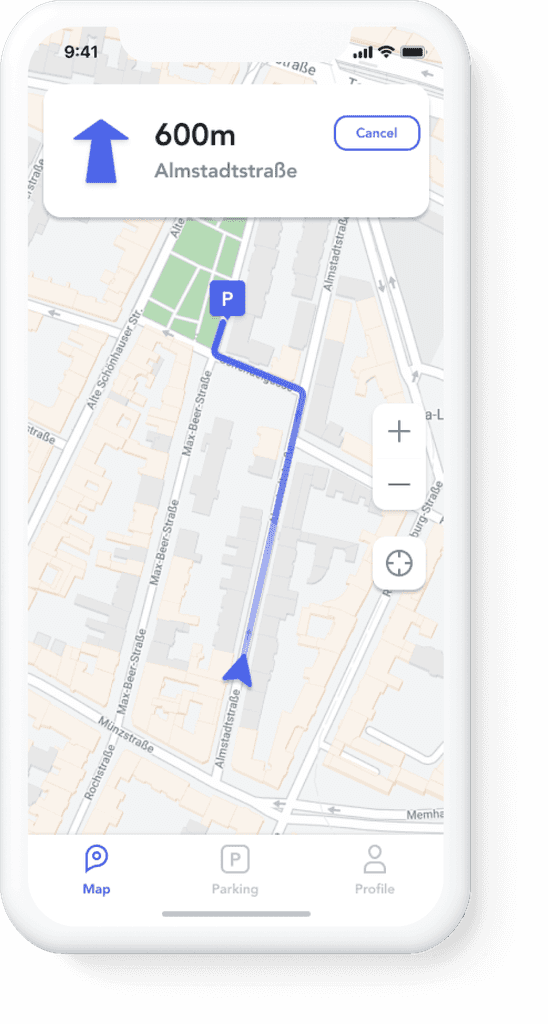
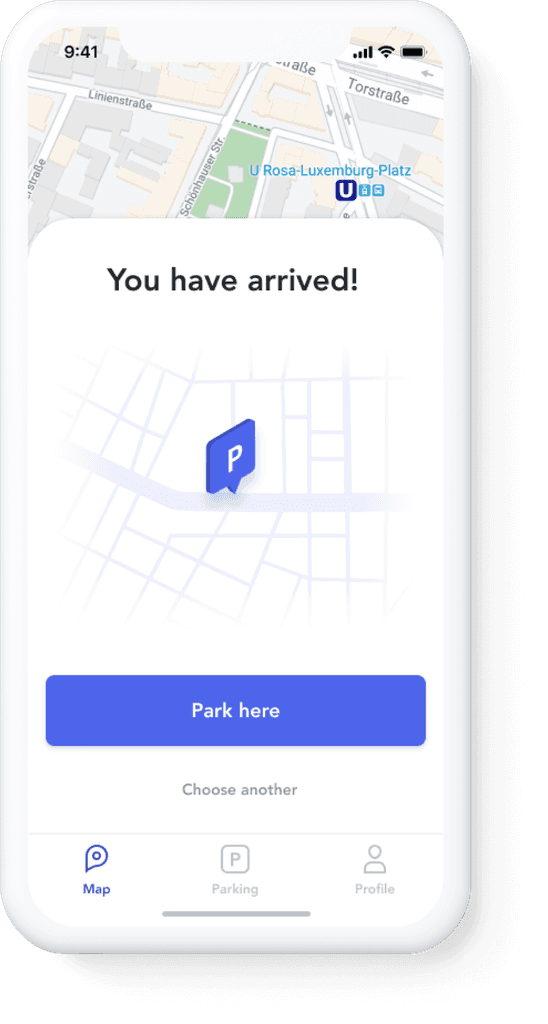
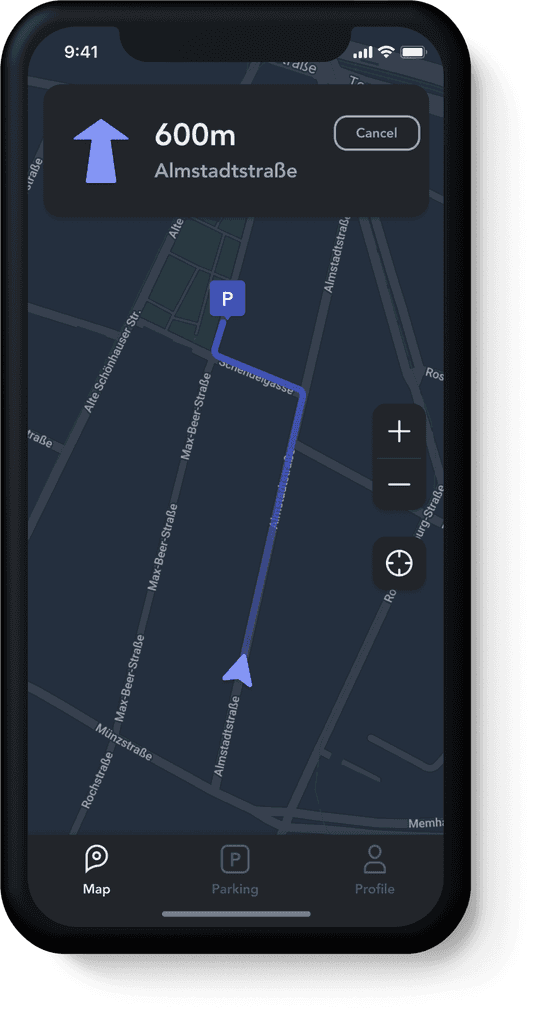
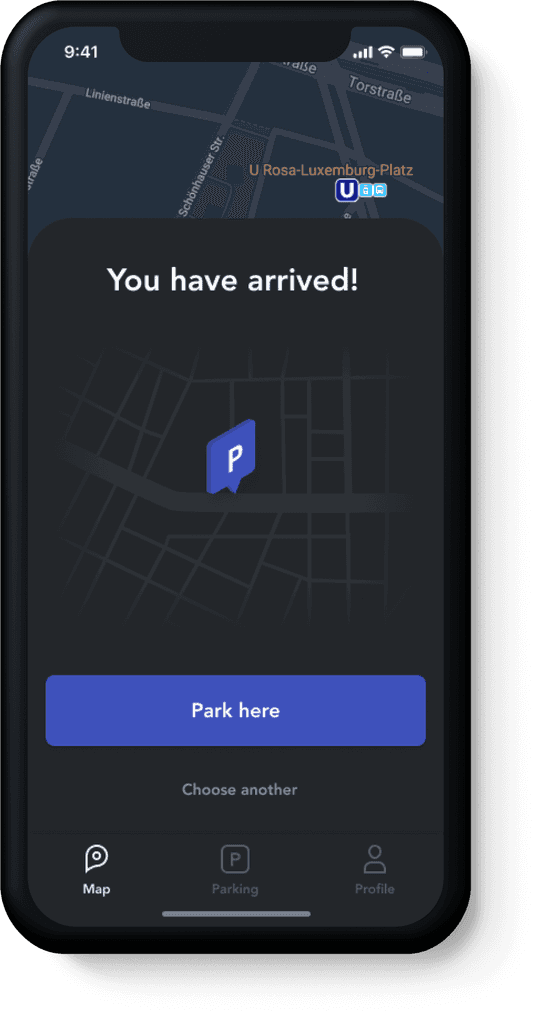
The integrated navigation system shows the current street name and the remaining distance to the destination. The driver gets a confirmation uporn arriving at the end of the displayed route.
Parking
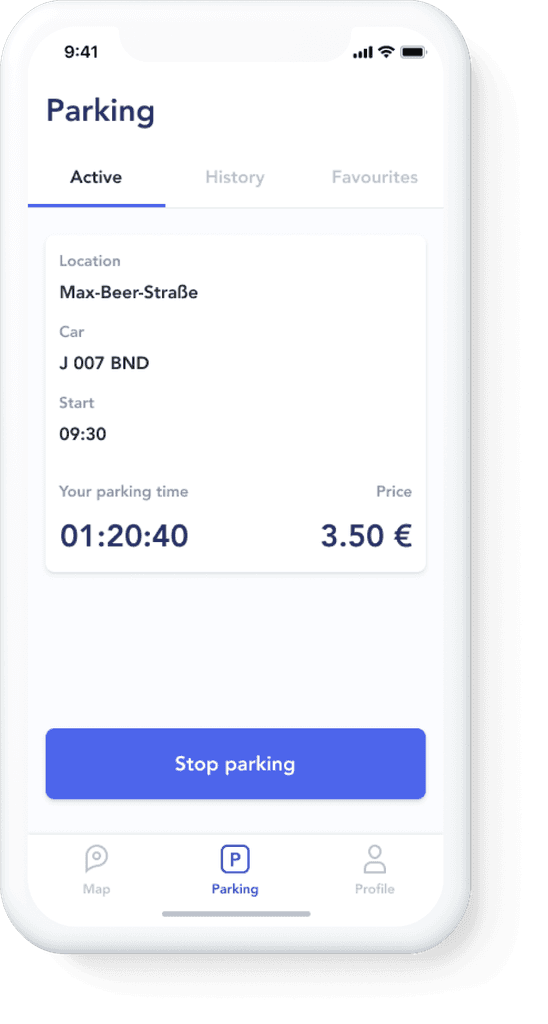
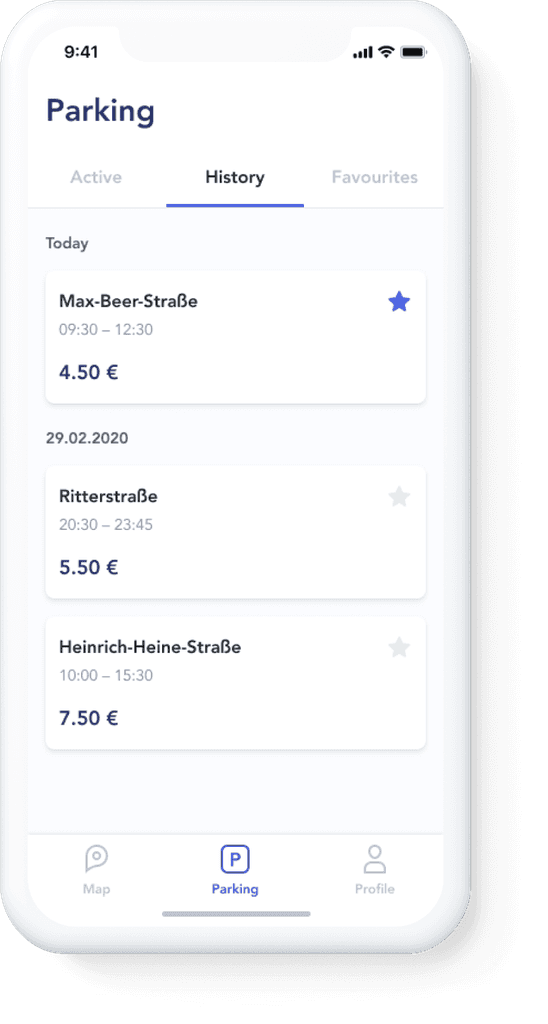
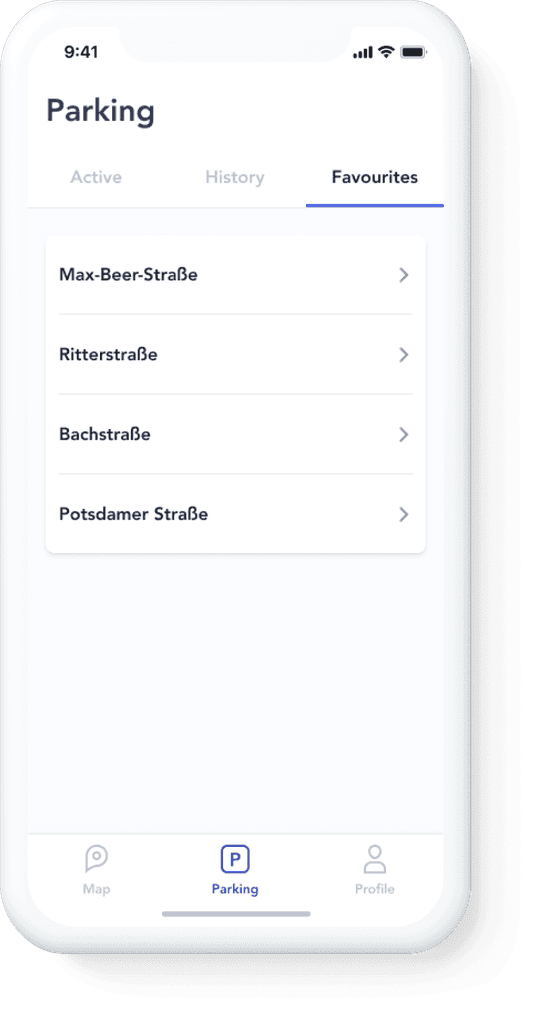
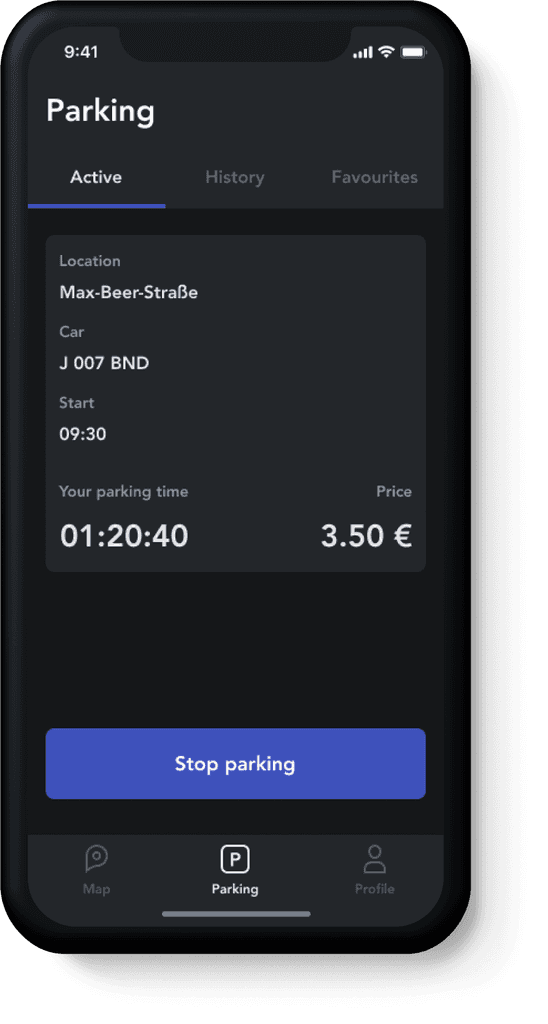
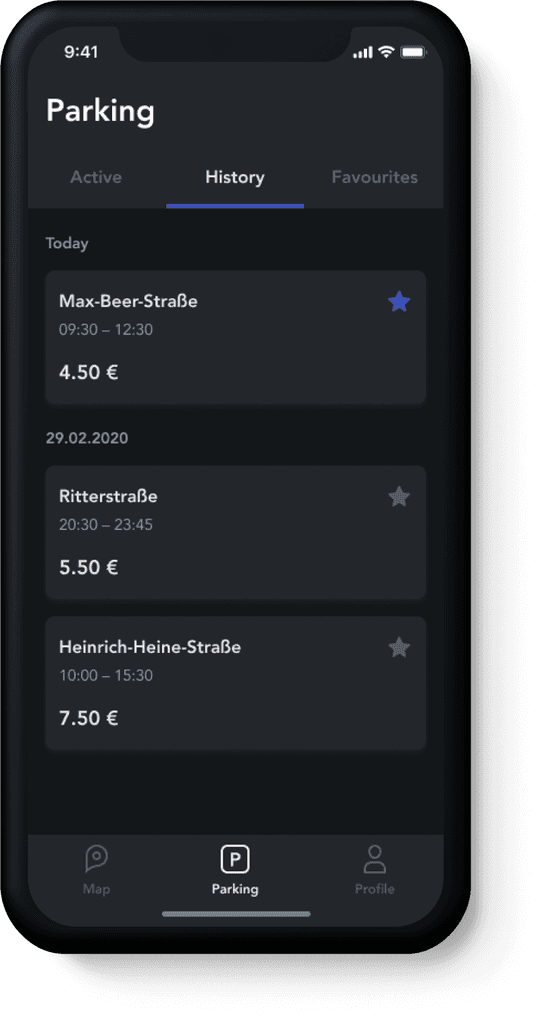
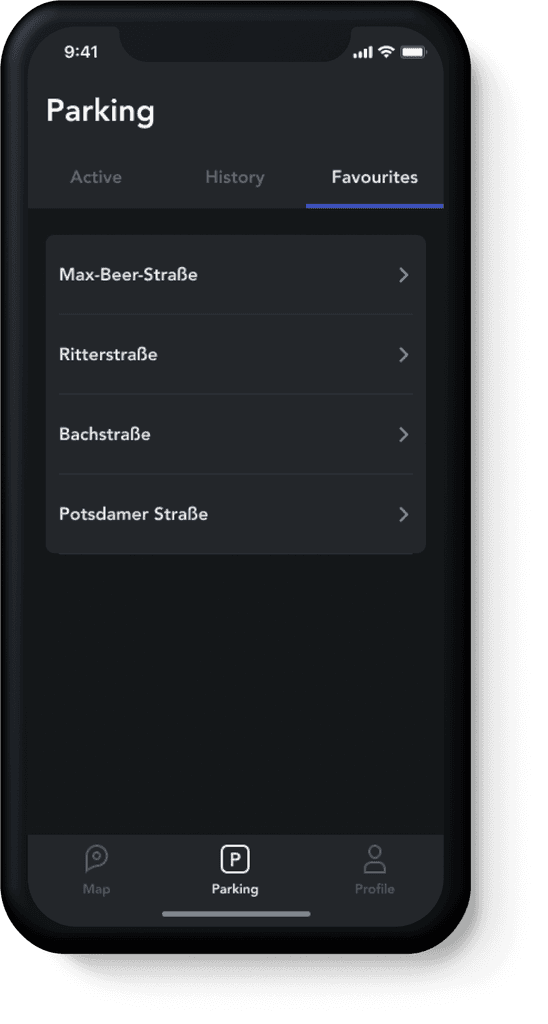
Here a driver can get info about his current parking, check previous spots, and edit favourite places. During the session the driver is informed about parking time, and the total amount due to pay for use of the space. This menu includes 3 tabs:
Information about sessions
History overview
Favourite places
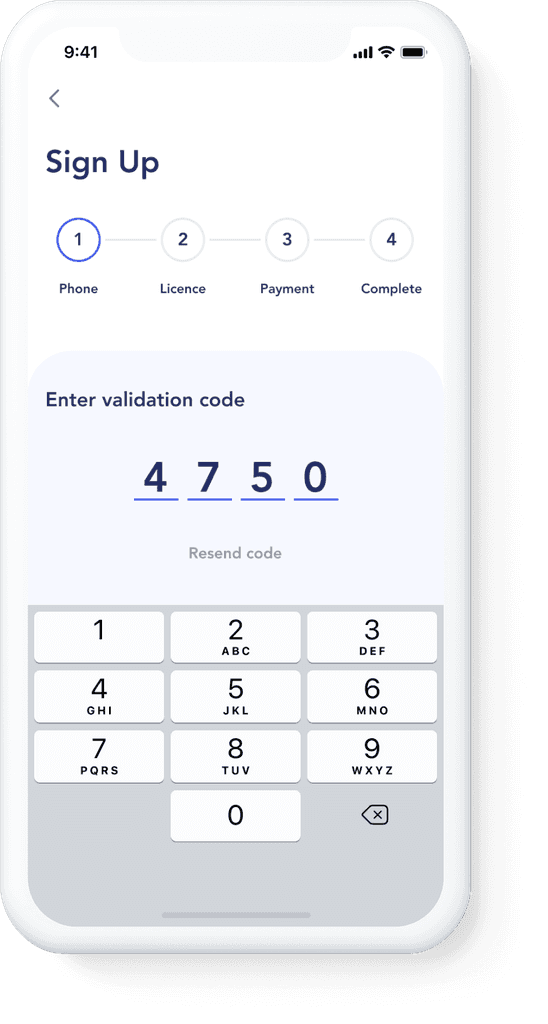
Light Mode vs Dark Mode
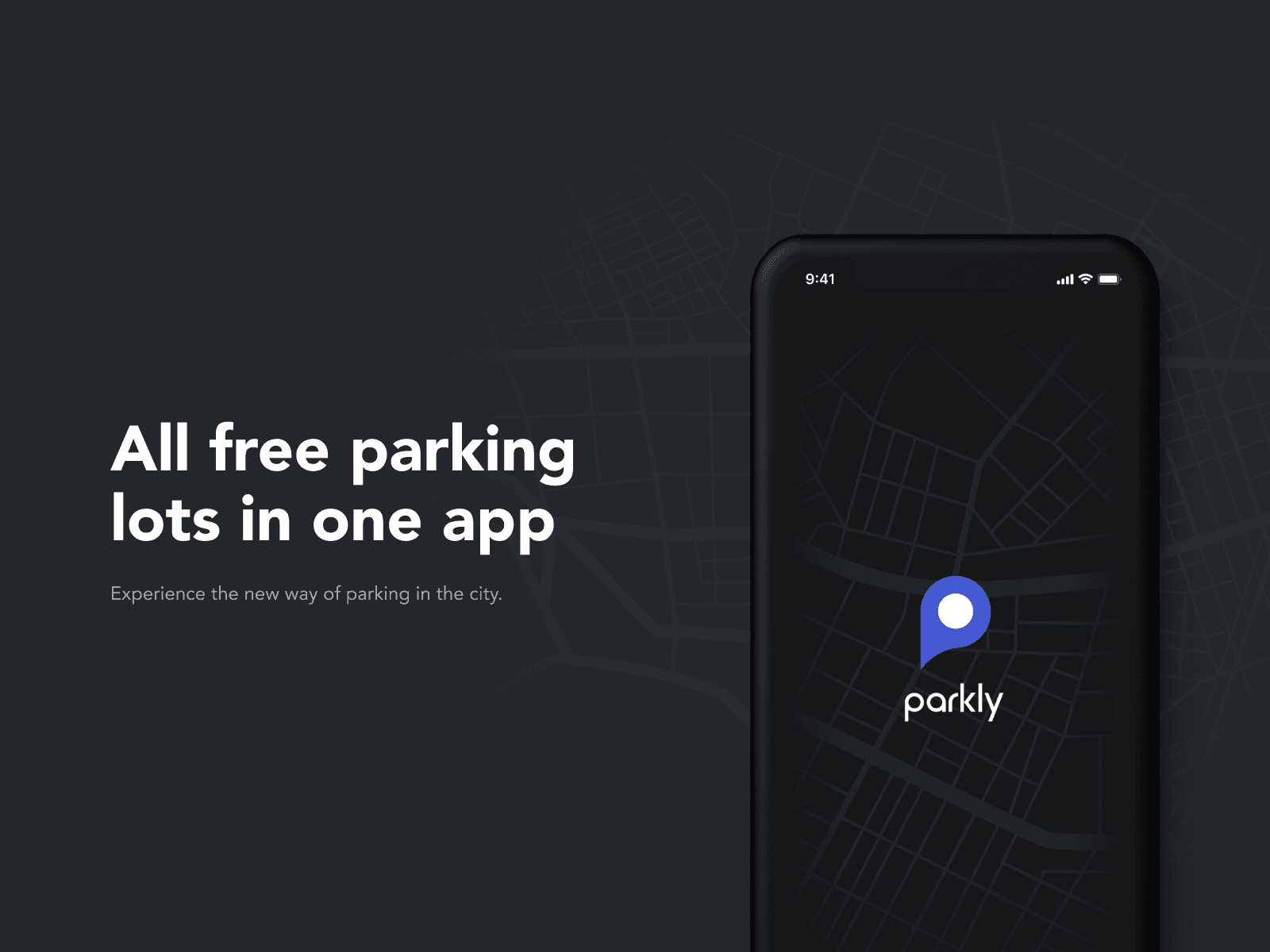
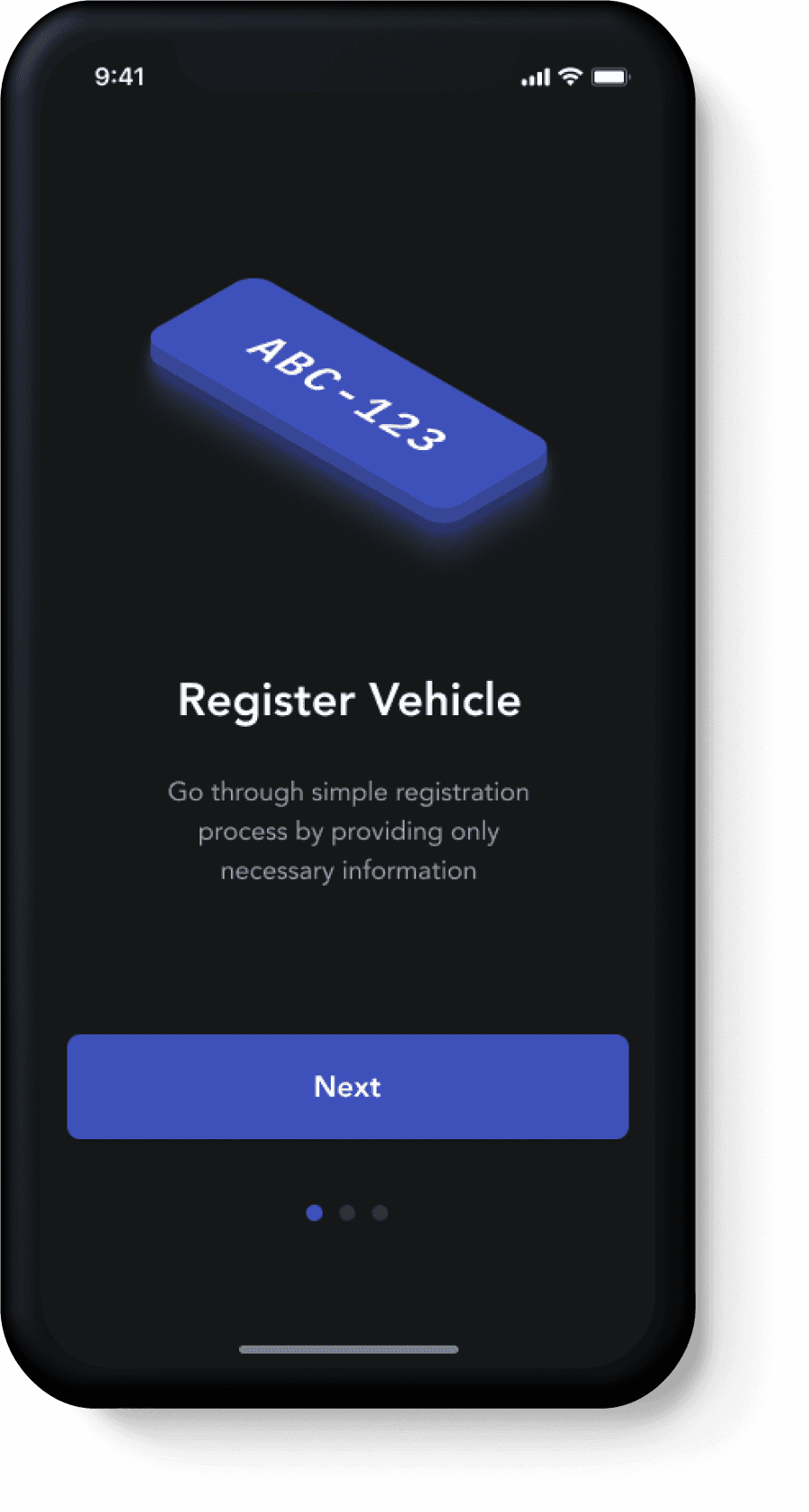
Drivers face additional challenges while driving at night and the parkly app can help them avoid frustration. The app will help drivers keep their focus when they're behind the wheel, and facilitate their safe and timely arrival at their chosen paring lot.
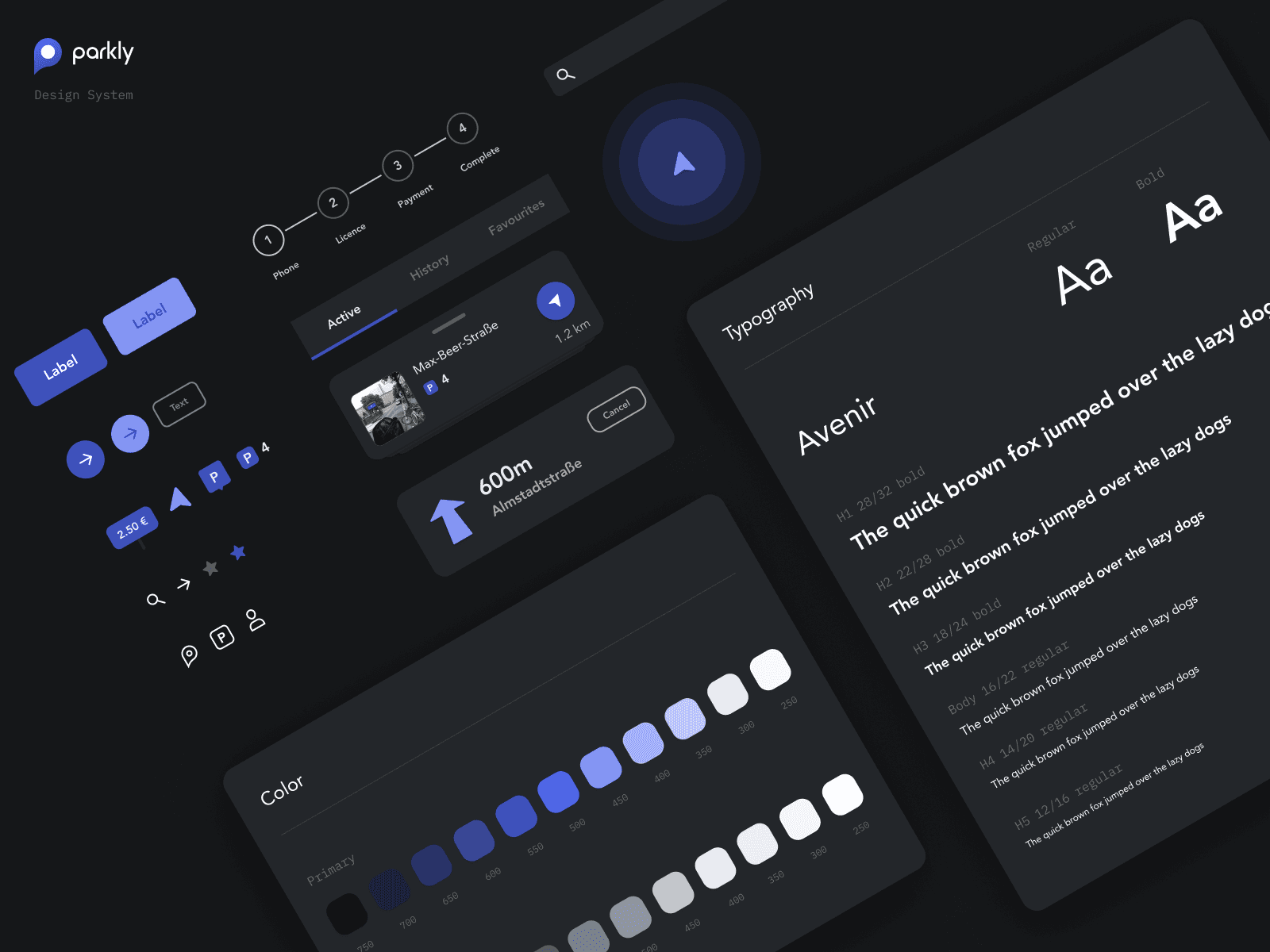
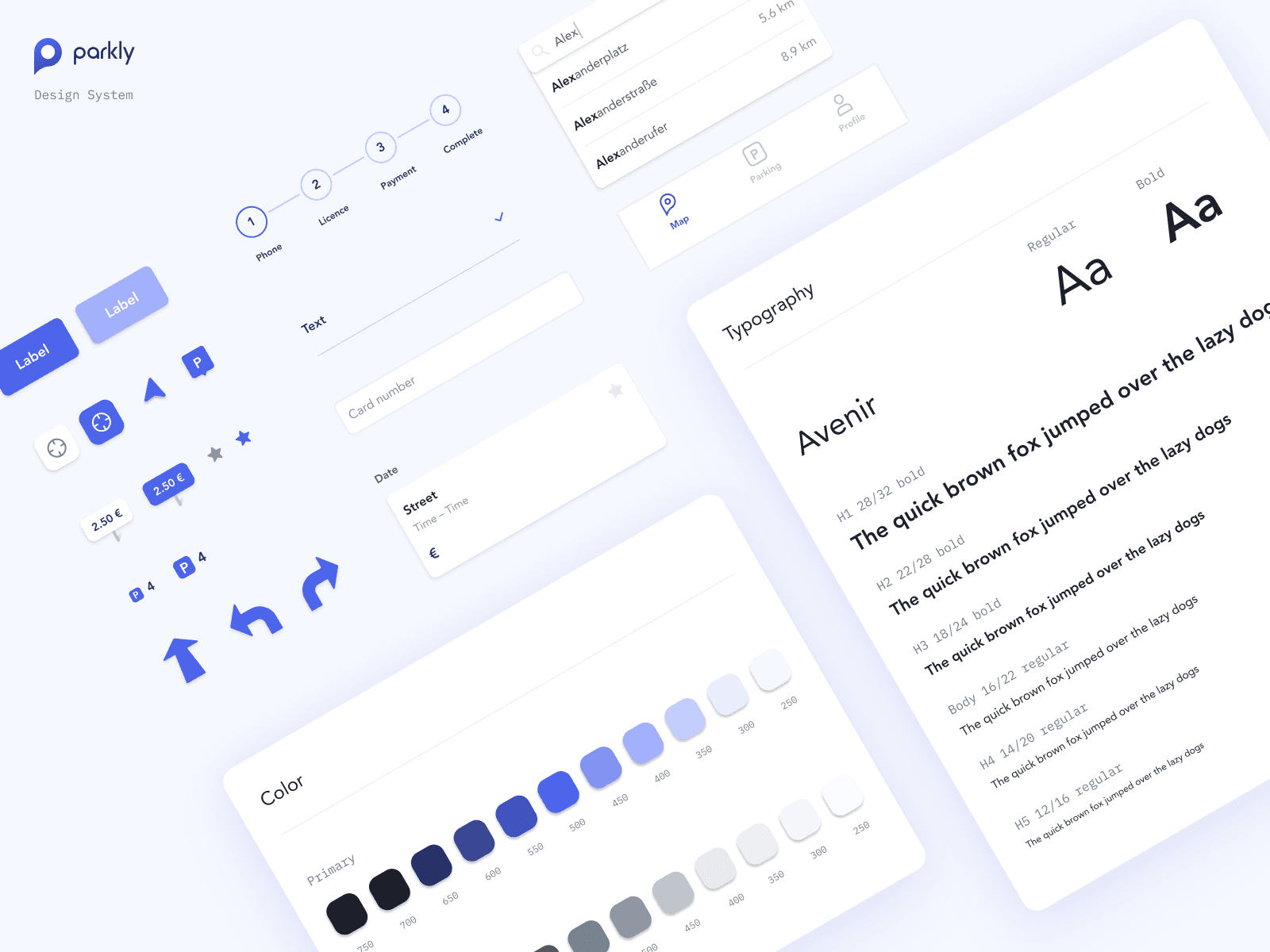
The design system for parkly app has been developed considering light and dark mode components.